What Essential Equipment and Materials Do You Need for Heat Transfer Printing?
You want to start a custom printing business, but you're overwhelmed by all the equipment. You're afraid of buying the wrong machine and wasting thousands of dollars on expensive mistakes.
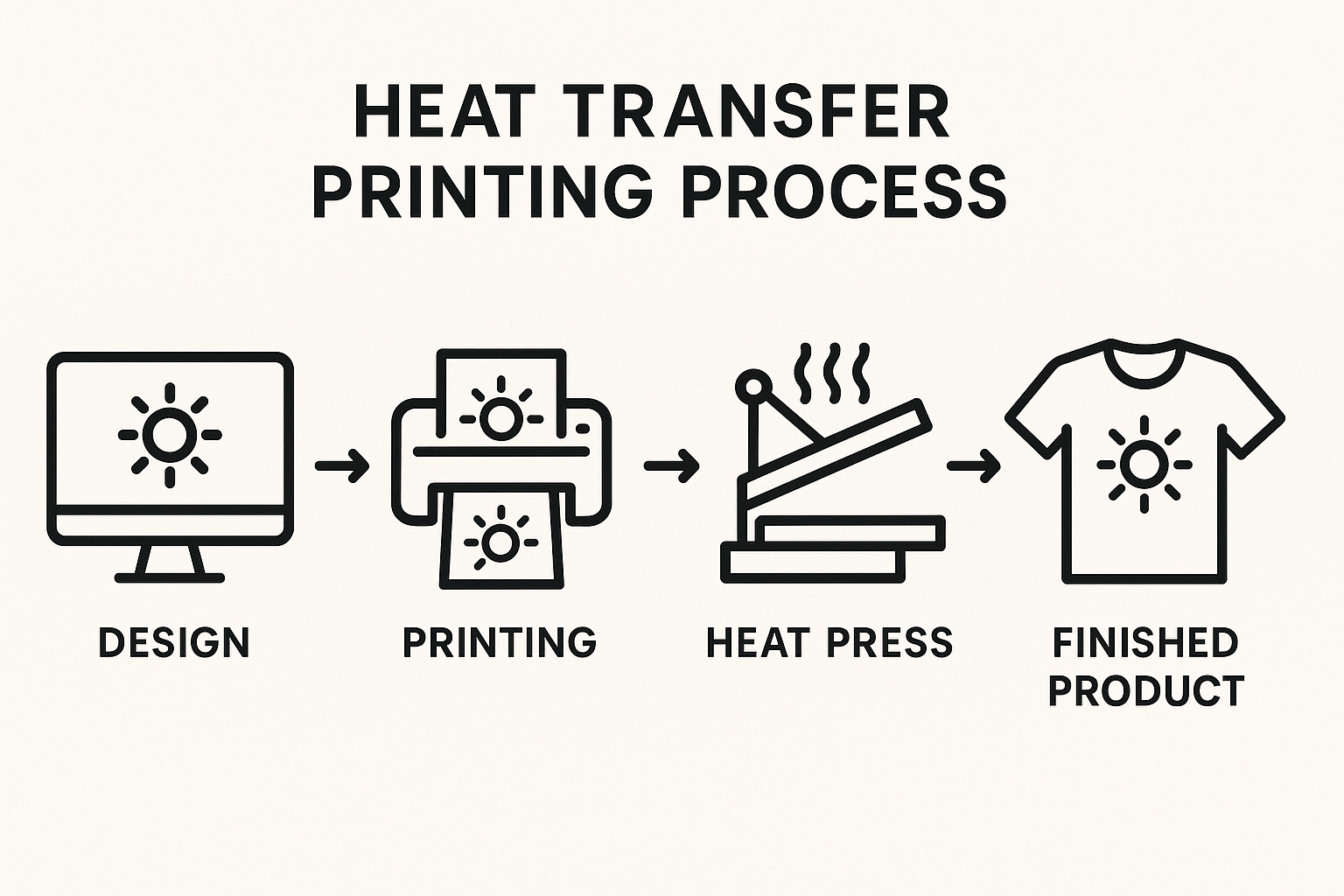
To start a successful heat transfer printing business, you need four core items: a computer with design software, a dedicated printer with sublimation ink, a quality heat press, and the right consumables like transfer paper and heat tape. These are the essentials for professional results.
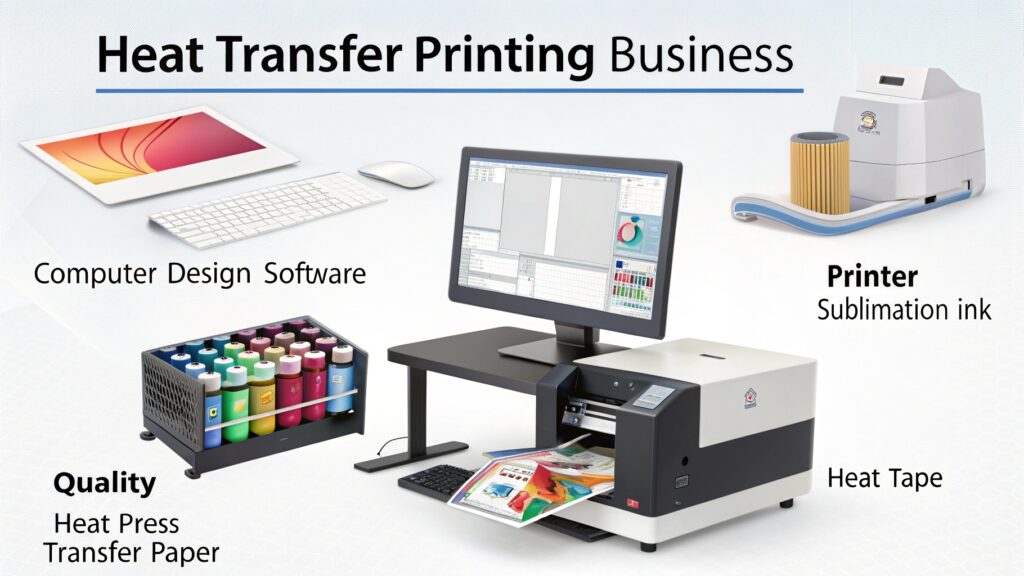
I remember the first time I walked into the sublimation factory where I got my start. The number of machines, rolls of paper, and different inks was dizzying. I thought I'd never figure it all out. Years later, when I started my own trading company and helped clients set up their own shops, I realized it's not as complex as it looks. My friend Alex, a printing technology expert, always says, "Focus on the core four." It's about getting the right tools for the job. Once you understand the role of each piece, you can build your setup with confidence.
Is a Good Heat Press Really That Important?
You see cheap heat presses on marketplaces like Amazon and wonder if you can save money. You're tempted by the low price, but you're worried it might break or ruin your products.
Yes, a quality heat press is the most critical investment you will make. It guarantees the two things essential for a perfect transfer: consistent temperature across the entire surface and even, steady pressure. A cheap press creates failed prints and wasted products, costing you more in the long run.
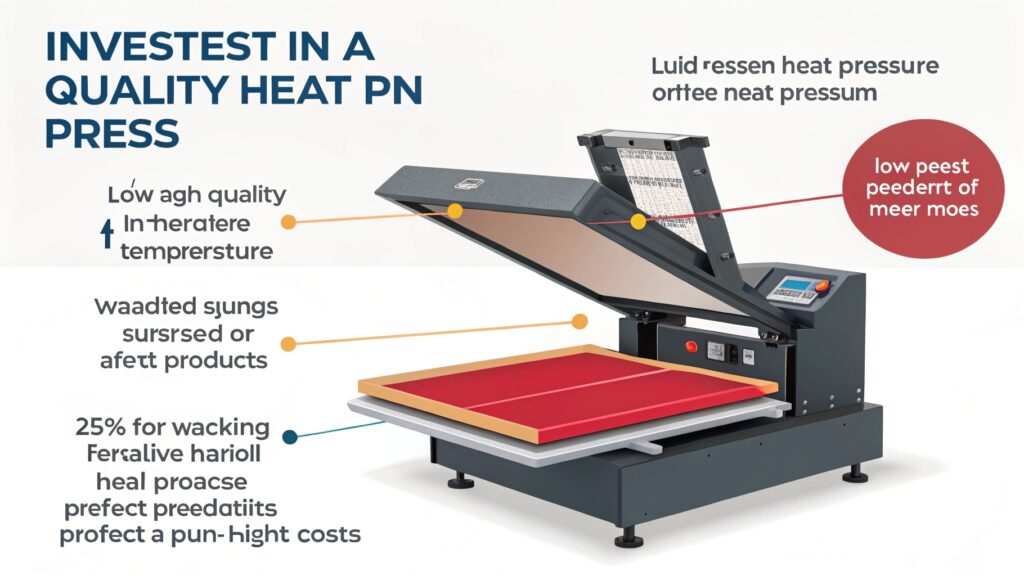
A heat press is the heart of your operation. It’s what makes the magic happen. Alex once told me that using a cheap heat press is like trying to bake a cake in a faulty oven. You might get lucky once, but most of the time, you'll get burnt edges and a raw center. Cheap presses are known for having "cold spots" on their heating element, or what's called the platen. This means one part of your design gets enough heat while another part doesn't, resulting in a faded, splotchy final print. A good press delivers accurate, even heat every time. It also provides consistent pressure, ensuring your sublimation paper makes perfect contact with your product. There are two main styles, each with its own benefits.
| Heat Press Type | Pros | Cons |
|---|---|---|
| Clamshell | Faster to operate, requires less space | Can be difficult to place items precisely, less even pressure on thick items |
| Swing-Away | Provides perfectly even pressure, easy to position items | Requires more workspace, can be slower for high-volume production |
For beginners, I often suggest a good quality swing-away press. The ease of positioning your items and the guaranteed even pressure can save a lot of headaches in the beginning.
What Kind of Printer and Ink Do You Need for Sublimation?
You have a printer at home and you're wondering if you can just fill it with special ink. You're confused about why you need a whole separate machine just for heat transfers.
For sublimation, you must use a dedicated printer with special sublimation ink. These printers use piezoelectric printheads (like those in Epson or Sawgrass models) that don't use heat. Using a standard office printer will not work and will damage the machine.
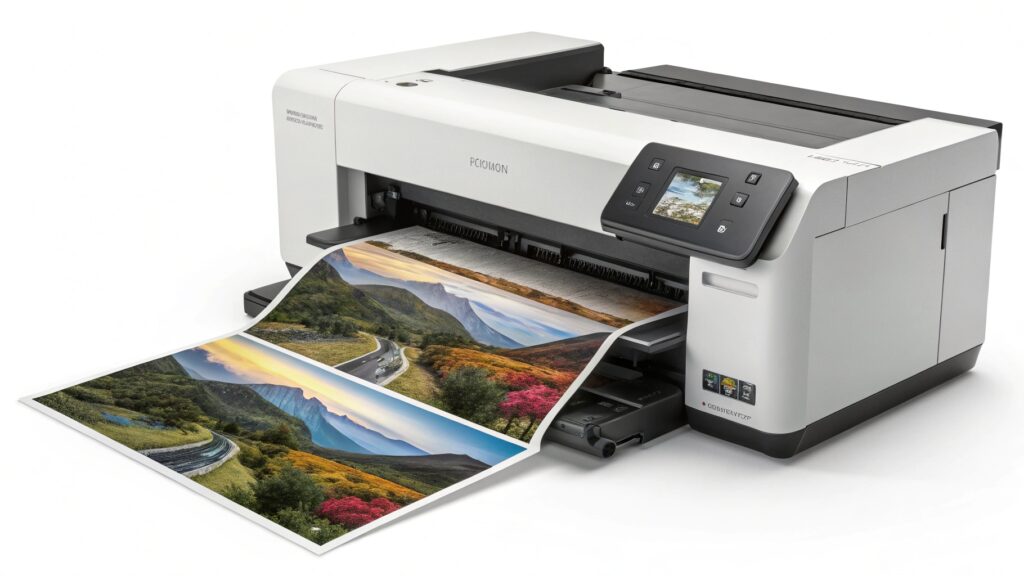
This is one of the most common questions I get, and it's a very important one. You cannot use the printer you use for office documents. Sublimation ink is unique—it's a solid dye suspended in a liquid carrier. It's designed to turn into a gas when heated in the press. Most standard home and office printers use thermal printhead technology, which works by boiling the ink to shoot it onto the paper. Alex explained that if you put sublimation ink in a thermal printer, you would be "cooking" the ink and turning it into gas inside the printer itself, which will clog and destroy the printhead. You need a printer with a piezoelectric printhead. This technology uses a tiny electric charge to flex a crystal, which squeezes the ink out without heat. Epson printers and dedicated sublimation printers like Sawgrass use this technology. For professional color control, you'll also want to use RIP (Raster Image Processor) software. This software helps you manage your ICC profiles to ensure the colors on your screen match your final printed product perfectly.
What Other Materials Are Absolutely Essential for Heat Transfer?
You have your press and printer, and you think you're ready. But your first attempts result in blurry images, yellow stains, and ink marks all over your heat press.
Beyond the big machines, you absolutely need three things: quality sublimation paper, heat-resistant tape, and protective paper (like butcher paper). These inexpensive consumables are not optional; they are crucial for protecting your equipment and producing a clean, sharp final product.
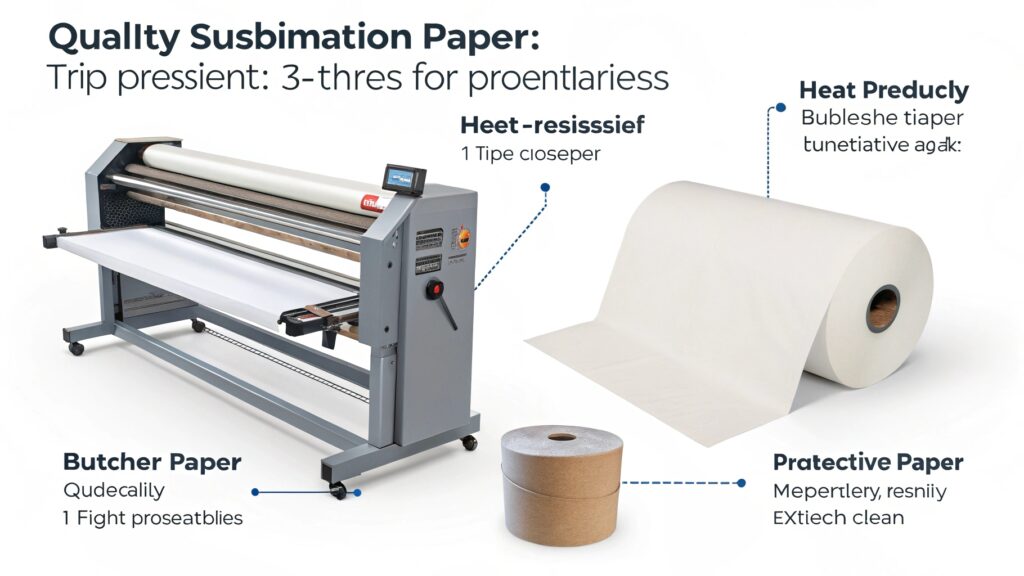
These small items are the unsung heroes of sublimation printing. Forgetting them is the most common beginner mistake I see. When I help a new client start their business, I always make them a "Day One" checklist so they don't get frustrated by easily avoidable errors. First is sublimation paper. This isn't just plain paper; it has a special coating designed to hold the ink and then release as much of it as possible as a gas when heated. Using the wrong paper leads to dull colors. Second is heat-resistant tape. You need this to hold your design securely in place. Regular tape will melt, leaving a sticky mess and ruining your product. Heat tape can withstand 400°F and peels away cleanly. Finally, you need protective paper. You use one sheet under your product and one sheet over it. This prevents any ink from "blowing out" and permanently staining your heat press platens. Skipping this step can ruin a very expensive machine.
| Essential Material | Its Purpose | Why It's Crucial |
|---|---|---|
| Sublimation Paper | To hold the ink and release it under heat | Maximizes color vibrancy and sharpness |
| Heat-Resistant Tape | To secure the paper to the product | Prevents blurry "ghost" images from paper shifting |
| Protective Paper | To protect your heat press from ink | Prevents ink from permanently staining your equipment |
Conclusion
Starting your heat transfer journey is simple when you focus on the essentials. A quality press, the right printer, and the necessary materials are the pillars of a successful setup.

Hi there! I'm Lucy, the guardian angel of two good children. During the day, I am a professional in the heat transfer printing industry, from factory workshops to running my own business. Here I share what I have learned - let's grow together!