How Can You Start Sublimation Printing Without Breaking the Bank?
Starting a sublimation business feels expensive. The cost of printers, software, and designs can stop you before you even begin. But I'll show you the affordable ways I found to start.
The most affordable way to begin sublimation is by converting an Epson EcoTank printer, using free design software like Canva, and sourcing free designs with commercial licenses from sites like Creative Fabrica. This approach dramatically lowers the initial investment compared to buying a purpose-built system.
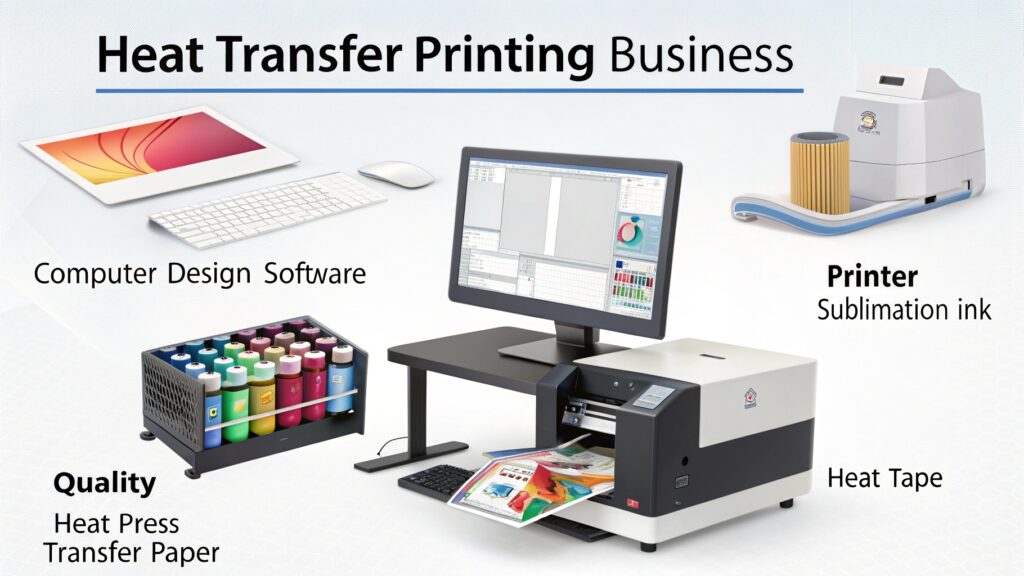
When I first dreamt of starting my own business, my bank account was small. The price tags on professional sublimation equipment felt like a huge wall I couldn't climb. It's a story I hear all the time from people I mentor. They have the passion but not the capital. The good news is, you don't need thousands of dollars. I built my business on smart, budget-friendly choices, and I want to share that roadmap with you so you can bypass the financial stress and get straight to creating.
What is the cheapest printer you can use for sublimation?
You see expensive sublimation printers and feel it's just out of reach. This high cost of entry can be very discouraging. But you can get started for a fraction of that price.
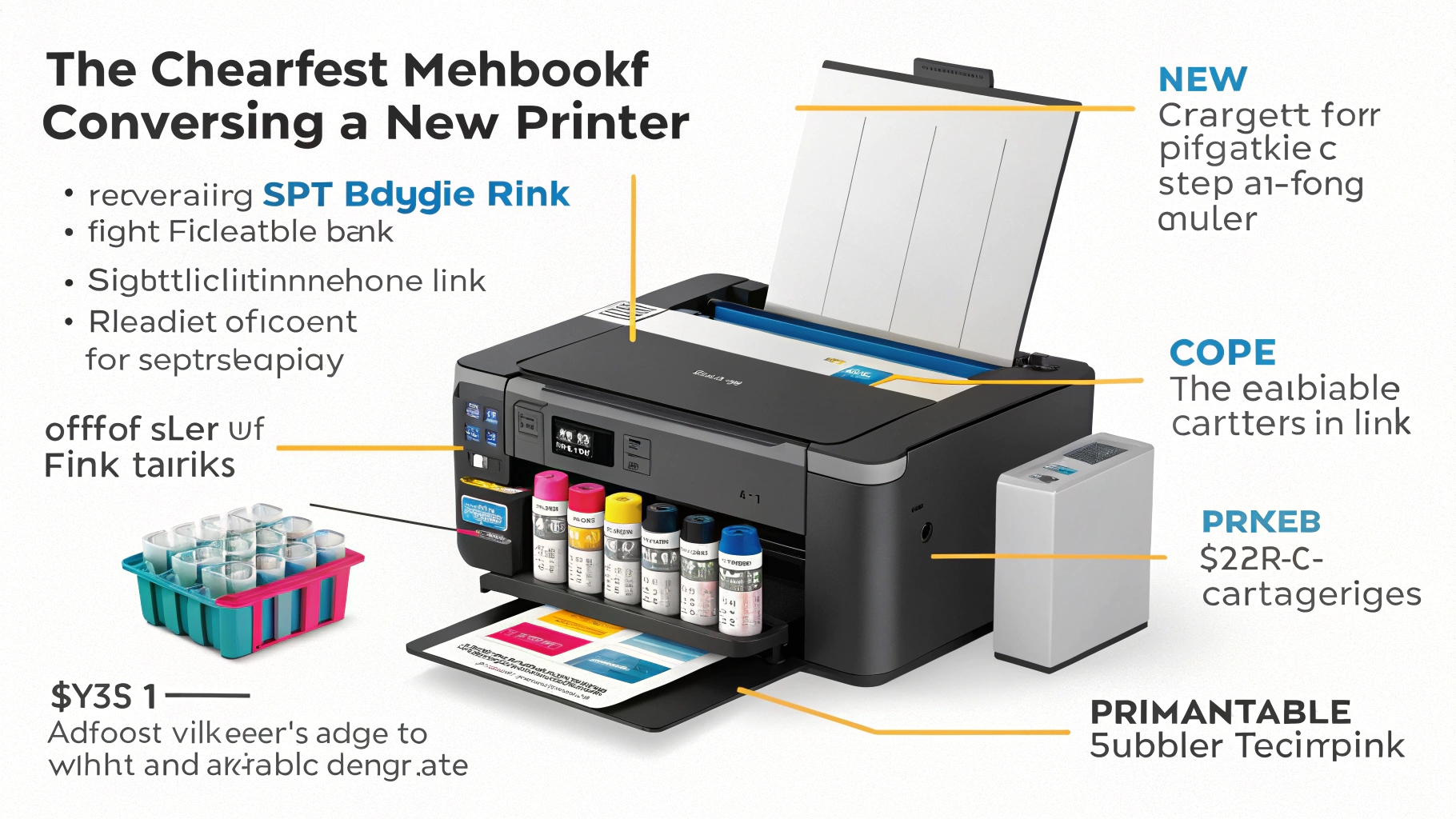
The cheapest method is converting a new Epson EcoTank printer for sublimation. These printers are affordable, use refillable ink tanks instead of cartridges, and have the right printhead technology for sublimation ink. This is the most popular budget-friendly starting point.
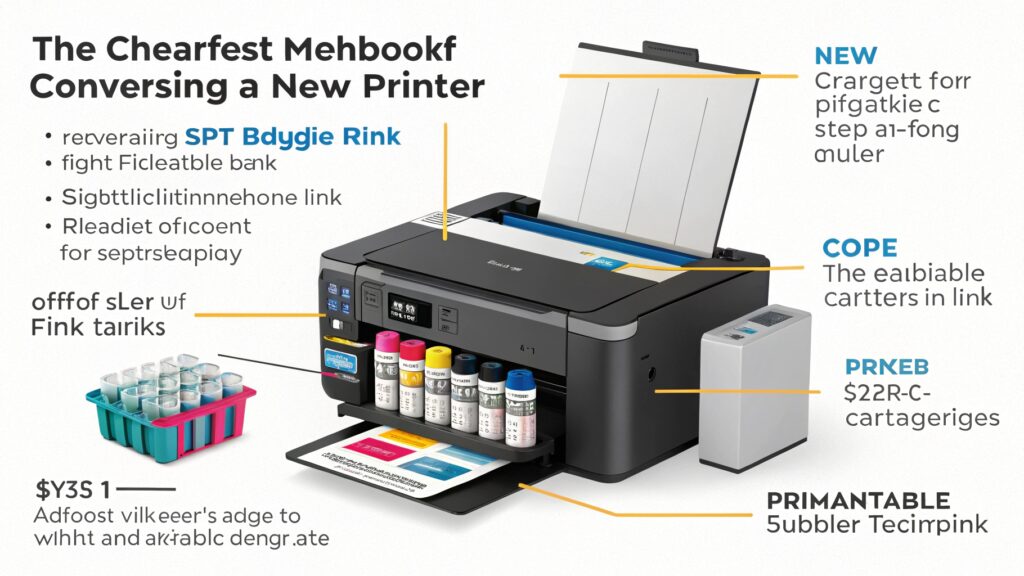
The secret to affordable sublimation printing lies in the printer's technology. My friend Alex, the heat transfer specialist, explained it to me this way. You need a printer with a "piezo" printhead. This type of printhead uses pressure to spray ink, not heat. Printers from brands like HP or Canon often use thermal (heat-based) printheads, which would cook the sublimation ink and ruin the printer. Epson's EcoTank line uses piezo technology, making them perfect for conversion. You simply buy a brand-new EcoTank and, instead of the ink that comes in the box, you fill its tanks with high-quality sublimation ink from a trusted supplier. This immediately turns an office printer into a sublimation machine.
Here's why this is the go-to budget method:
- Low Initial Cost: EcoTank models like the ET-2800 are much cheaper than purpose-built sublimation printers like a Sawgrass SG500.
- Cheap Ink Refills: Buying sublimation ink in bottles is far more cost-effective than buying specialized cartridges.
- Warranty Warning: The big trade-off is that this process voids your Epson warranty. If the printer breaks, you're on your own. That's why I always tell people to start with a new printer and good ink to reduce the risk of issues like clogged nozzles.
| Printer Type | Initial Cost | Pros | Cons |
|---|---|---|---|
| Converted Epson EcoTank | Low | Very affordable, cheap ink refills | Voids warranty, requires more setup |
| Purpose-Built Sawgrass | High | Comes with warranty, software & support | Expensive printer and ink cartridges |
How to get sublimation designs for free?
Buying unique designs for every tumbler, shirt, or mug can add up fast. This ongoing expense hurts your profits and can limit your creativity. But there are ways to get amazing designs for free.
You can get free, commercially licensed sublimation designs from websites like Creative Fabrica and Design Bundles. Canva's free version is also excellent for creating your own text-based or simple graphic designs without paying for software or assets.
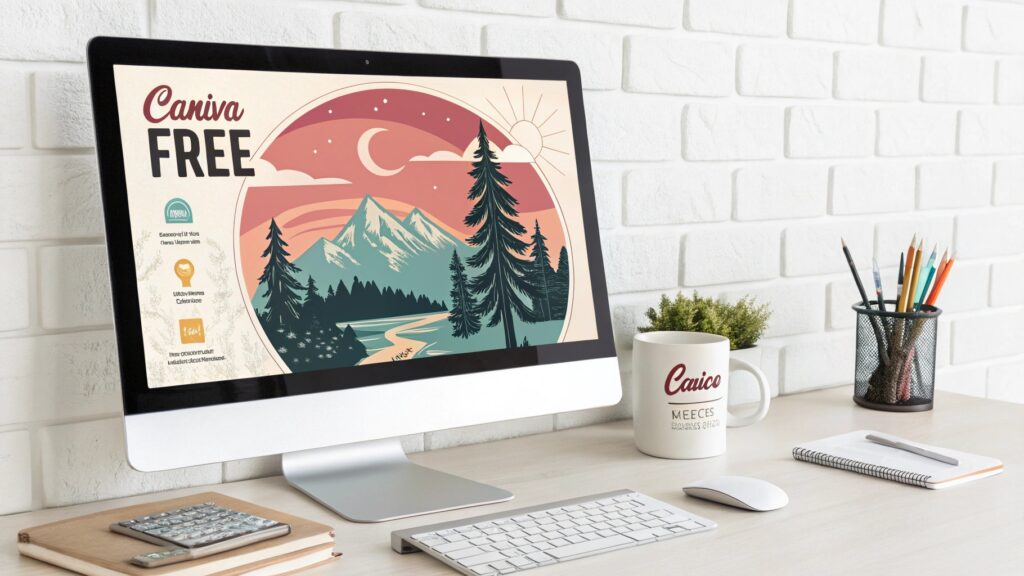
When I started out, I had a "designs" budget of zero. I spent hours building a huge digital library of designs before I ever made my first sale, and it cost me nothing but my time. This is a huge advantage for anyone starting small. You don't need to be a graphic designer to succeed. Your main job is to understand licensing. A "commercial license" means you can use the design on products you sell. Always check the terms. Some freebies are for personal use only, so you can't sell them.
Here are my favorite places to find free designs:
- Creative Fabrica: They have a massive "Freebies" section with fonts, graphics, and full sublimation designs. They usually include a commercial license, which is fantastic. They also have a $1 trial for their All Access plan, which you can use to download thousands of designs.
- Design Bundles: Similar to Creative Fabrica, they offer a rotating selection of free designs and a "Plus" membership with great value.
- Canva: This is my top pick for creating your own simple designs. You can mix and match free fonts and elements to create unique word art or graphics. It's incredibly user-friendly and perfect for beginners.
Just remember to always download the license information along with the design file. Keep it in a folder so you can prove you have the right to use it if you ever need to.
What can I use instead of a sublimation printer?
A printer is a big investment of money, space, and maintenance time. What if you just want to test the market first? You can start selling sublimation products without owning a printer.
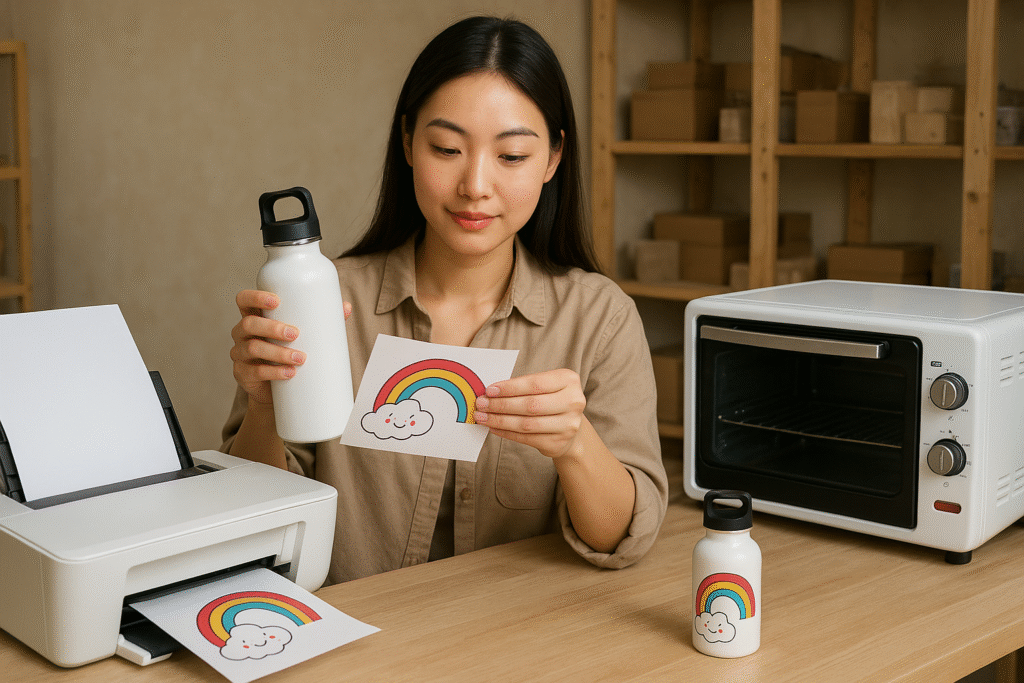
Instead of a sublimation printer, you can buy pre-printed sublimation transfers from suppliers online. These are designs printed on sublimation paper, ready for you to press. This lets you enter the market with only a heat press, avoiding the cost and upkeep of a printer.
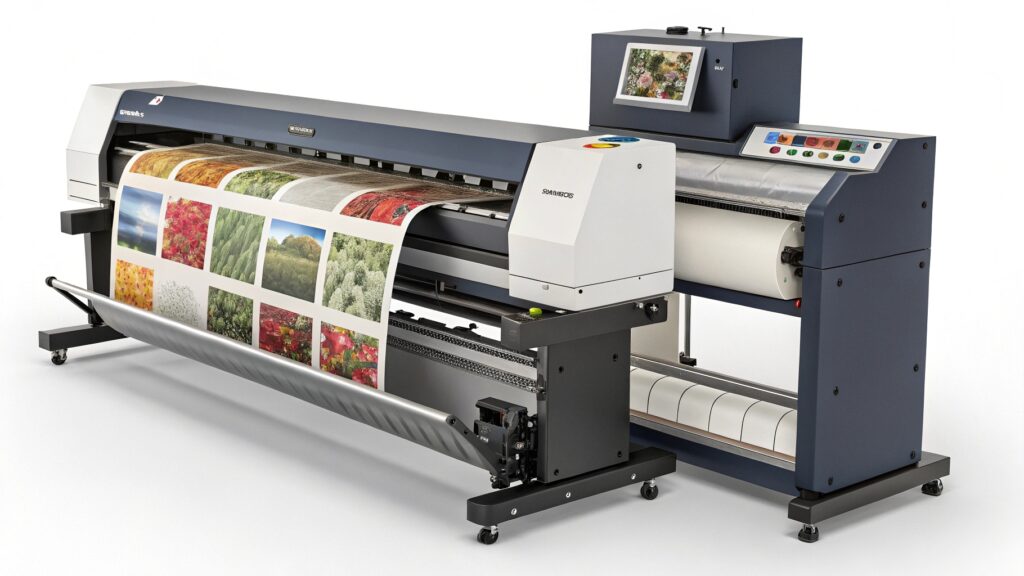
This is a strategy I recommend to many people who are hesitant about the initial investment. Think of it as a stepping stone. You find a reliable supplier on Etsy or a dedicated print shop. You order prints of popular designs or even your own custom designs. They ship you the paper transfers, and your only job is to press them onto your blank products (mugs, shirts, etc.). My friend Alex's company sometimes uses this method for huge orders or oversized designs that their standard printers can't handle. It's a professional strategy, not just a beginner one.
This approach is perfect for a few scenarios:
- Testing Your Niche: You can offer dozens of designs to see what sells without printing anything until you get an order.
- Low Startup Capital: Your only major equipment cost is a good heat press.
- Offering Large Designs: Many suppliers can print large "gang sheets" with multiple designs or prints big enough for blankets, which isn't possible with a standard desktop printer.
The downside is that your profit margins are lower because you have to pay for the print. You also depend on your supplier's quality and shipping speed. But as a way to start earning money and learning the craft, it's an amazing option.
Can you do sublimation on a Cricut?
You already own a Cricut machine for crafting. You hear about sublimation and wonder if you can use them together. The relationship between Cricut and sublimation can be confusing.
A Cricut machine cannot print, so it cannot function as a sublimation printer. However, you can use Cricut's own Infusible Ink products, which are a type of sublimation sheet, or use your Cricut to perfectly cut out designs that you've printed on a separate sublimation printer.

This question comes up all the time, and it's important to understand the two very different ways they can work together. Your Cricut is a cutting machine, a brilliant one, but it doesn't have printheads. So, you can't put sublimation ink in it. Instead, you have two options.
Method 1: Cricut Infusible Ink
This is Cricut's user-friendly version of sublimation. Infusible Ink comes in solid-color sheets or pre-printed pattern sheets.
- How it works: You use your Cricut to cut a design from the sheet. Then you "weed" away the excess material, just like with vinyl. Finally, you use a heat press to transfer the ink from the sheet onto your sublimation-compatible blank.
- Best for: Beginners, people who don't want a printer, creating designs with solid blocks of color.
- Limitations: You are limited to the colors and patterns Cricut sells, and it can be more expensive per project than printing your own designs.
Method 2: Print Then Cut
This is a more advanced technique that combines a sublimation printer with a Cricut cutter.
- How it works: First, you print your design from your sublimation printer onto sublimation paper. You must print it with special registration marks around the design. Then, you place that printed sheet on your Cricut mat. The Cricut's sensors read the marks and cut your design out perfectly.
- Best for: Creating custom-shaped stickers, decals, or applying designs to oddly shaped blanks where a precise cut is needed.
Conclusion
Starting sublimation affordably is entirely possible. You can convert an EcoTank printer, use free designs, buy pre-printed transfers, or integrate a Cricut into your workflow. Don't let cost stop you.

Hi there! I'm Lucy, the guardian angel of two good children. During the day, I am a professional in the heat transfer printing industry, from factory workshops to running my own business. Here I share what I have learned - let's grow together!