How Do You Create the Perfect Personalised Water Bottle Gift?
You want to give a thoughtful, unique gift, but you're out of fresh ideas. Another gift card or generic item just feels impersonal and forgettable.
Giving a boring gift feels like a missed opportunity to show someone you care. You want your gift to be used and cherished, not stuffed in a drawer.
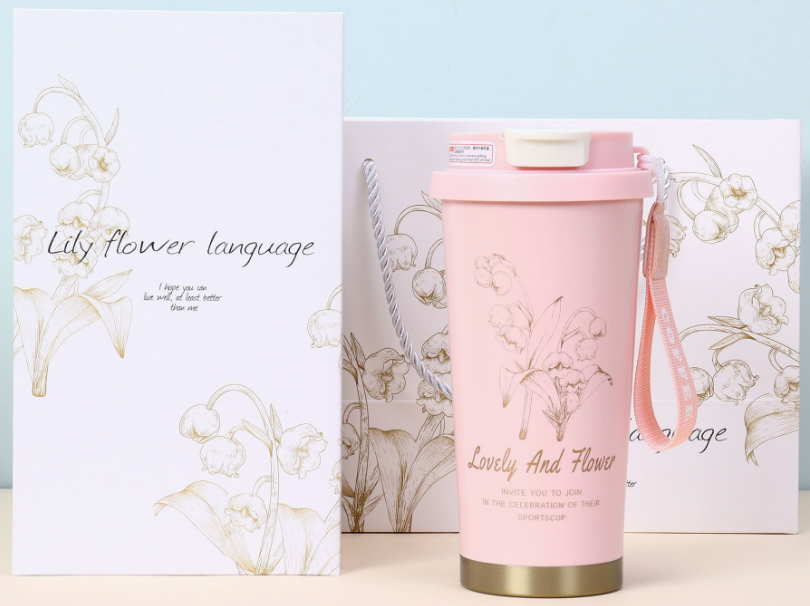
A personalised water bottle is the perfect solution. It's practical, stylish, and becomes a part of their daily routine—a constant reminder of your thoughtful gesture.
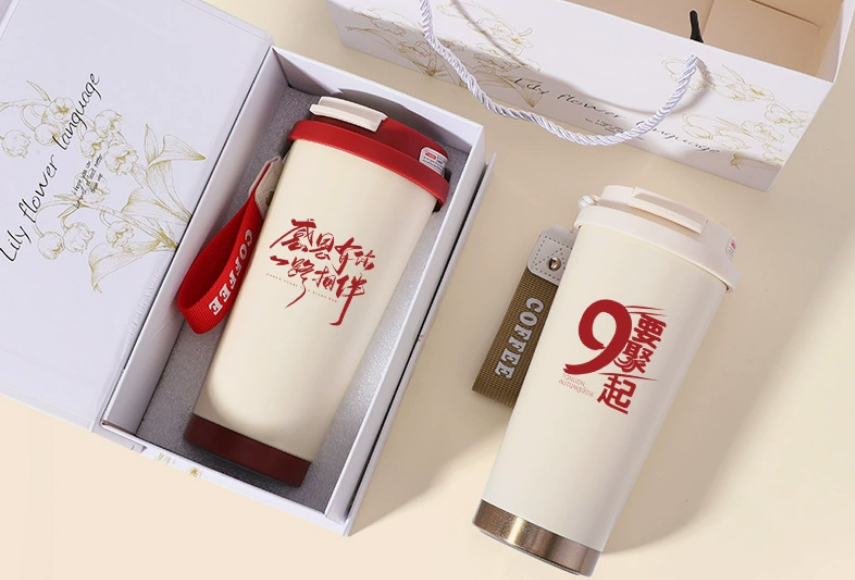
The best gifts are the ones that blend into someone's life perfectly. Insulated water bottles do just that. They are useful all year round, keeping drinks cold on a hot day or coffee warm on a chilly morning. When you add a personal touch—a name, a special design, an inside joke—it transforms from a simple object into a meaningful keepsake. With today's technology, creating a high-quality, custom gift is easier than ever. It's a wonderful way to give something that is both incredibly practical and deeply personal, which is why I've dedicated so much of my business to helping people create them.
How can you personalize a water bottle yourself?
You feel creative and want to add a personal touch to a water bottle. You're wondering what the best DIY methods are and how difficult they might be.
Starting a DIY project without a plan can be messy and frustrating. You might end up with a peeling design or a result that looks amateurish, wasting your time and the bottle.
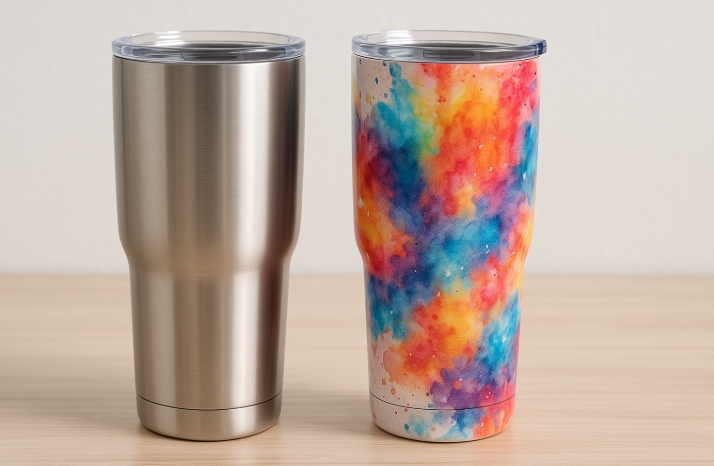
For a true DIY approach, you can use oil-based paint pens for a hand-drawn look or cut adhesive vinyl for clean graphics. For professional, permanent results at home, sublimation is the ultimate DIY method.
Dive Deeper: Choosing Your DIY Path
I love the hands-on creativity of DIY. When I first started, I experimented with everything! It’s the best way to learn. For someone like Emma, who has a great design sense, exploring different methods can be incredibly rewarding. The key is to match the method to the result you want.
Let's break down the most popular DIY options:
| Method | Durability | Ease of Use | Best For |
|---|---|---|---|
| Oil-Based Paint Pens | Fair | Easy | Creating unique, one-of-a-kind artistic or handwritten designs. It’s personal and direct. |
| Adhesive Vinyl | Good | Medium | Crisp, clean text and simple graphics. Requires a cutting machine like a Cricut for best results. |
| Sublimation | Excellent | Hard | Permanent, full-color, photo-quality designs that will never peel or fade. The most professional DIY result. |
For a quick, fun project, paint pens are fantastic. For a clean logo or name, vinyl is a solid choice. But if you want to create a gift that looks store-bought and will last for years, investing time to learn sublimation is absolutely worth it. It’s the method I built my business on because the quality is unbeatable.
How can you personalize water bottles without a Cricut?
You love the idea of custom names and graphics, but you don't own a Cricut or any other vinyl cutting machine. You need an alternative that still looks great.
Feeling like you can't create professional-looking custom items without expensive equipment is discouraging. You might think your only option is hand-drawing, which isn't always the desired look.
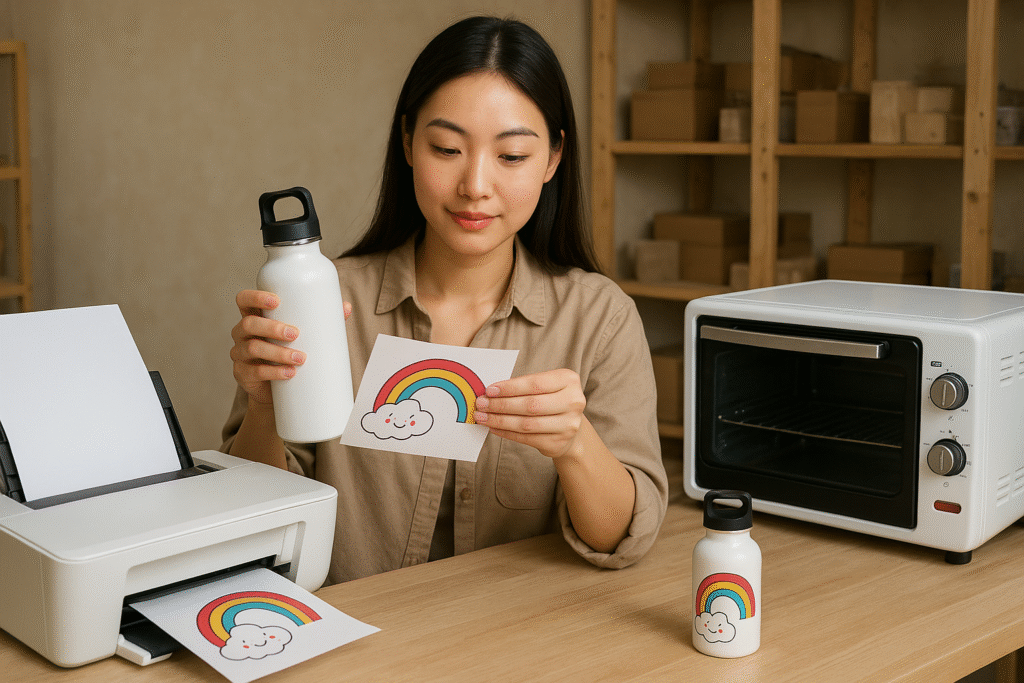
You have excellent options! You can order high-quality custom waterproof stickers online, use paint pens for an artistic touch, or for the best result, use sublimation printing for a permanent, full-color design.
Dive Deeper: Professional Results Beyond Vinyl
A Cricut is a fantastic tool, but it's really just a machine for cutting adhesive vinyl. It’s not the only way to get a design onto a bottle. In my professional work, I rarely use vinyl because it can peel over time. My focus is on durability.
Here are three great "no Cricut" methods:
-
Order Custom Waterproof Stickers: This is the easiest method. You can use a program like Canva to create your design and then upload it to a sticker printing website. They will print high-quality, durable, waterproof vinyl stickers and mail them to you. You just have to peel and apply them carefully. This is great for an event or party favors.
-
Use Oil-Based Paint Pens: If you have good handwriting or artistic skill, this is a wonderful way to create a truly one-of-a-kind gift. You simply draw your design directly onto the bottle. Once dry, some pens require you to bake the bottle to cure the paint, making it more durable.
-
Sublimation Printing: This is the best method for professional, permanent results. You print your design with a sublimation printer and use a heat press or convection oven to transfer the ink into the bottle's surface. It's a bigger upfront investment in equipment, but it produces gifts that are indistinguishable from high-end retail products. Emma is a professional product designer and sublimation is her best choice.
How do you design a water bottle on Canva?
You want to create a beautiful, custom design for your water bottle, but you're not a professional graphic designer. You need a user-friendly tool to bring your idea to life.
Staring at a blank screen can be intimidating. Without the right tools or guidance, you might struggle to create a design that fits the bottle's dimensions and looks professional.
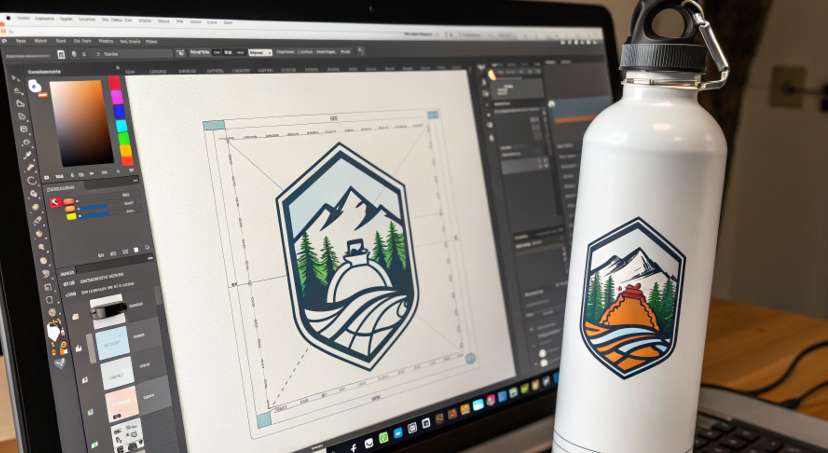
Canva is the perfect tool for this. You can create a custom-sized canvas based on your bottle's measurements, use their library of fonts and graphics, and easily export a high-resolution file ready for printing.
Dive Deeper: A Simple Canva Workflow for Water Bottles
I use professional design software now, but I still recommend Canva to everyone starting out. It’s powerful, intuitive, and perfect for creating print-ready designs for sublimation. Here’s a simple process to follow:
-
Measure and Create Your Canvas: First, measure the height and circumference of your water bottle's printable area. Let's say it's 8 inches tall and 9 inches around. In Canva, click "Create a design" and choose "Custom size." Enter your dimensions (e.g., 9 inches width, 8 inches height). This gives you a flat template of your bottle's surface.
-
Design Your Wrap: Now you can add your elements. Use the "Text" tool to add a name. Search the "Elements" library for graphics, patterns, and photos. You can upload your own photos or logos too. Arrange everything within the canvas. Remember that the left and right edges will meet to form a seam.
-
Save and Export Correctly: When you are happy with your design, click "Share," then "Download."
- File Type: Choose "PNG."
- Size: Drag the size slider to the maximum for the highest resolution.
- Background: Select "Transparent background." This is important!
- Mirror/Flip: If you are sublimating, you must mirror your design. Some printer software does this automatically, but you can also do it in Canva by selecting all elements, grouping them, and choosing "Flip Horizontal."
Now you have a professional-quality, print-ready file you can use for sublimation or to order a custom sticker.
How do you put names on plastic water bottles?
You want to add names to several plastic water bottles for a team, party, or classroom. You need a method that is durable enough for regular use and washing.
Putting names on plastic can be tricky. Ink can smudge, and regular stickers will peel off after the first wash, making your effort feel wasted.
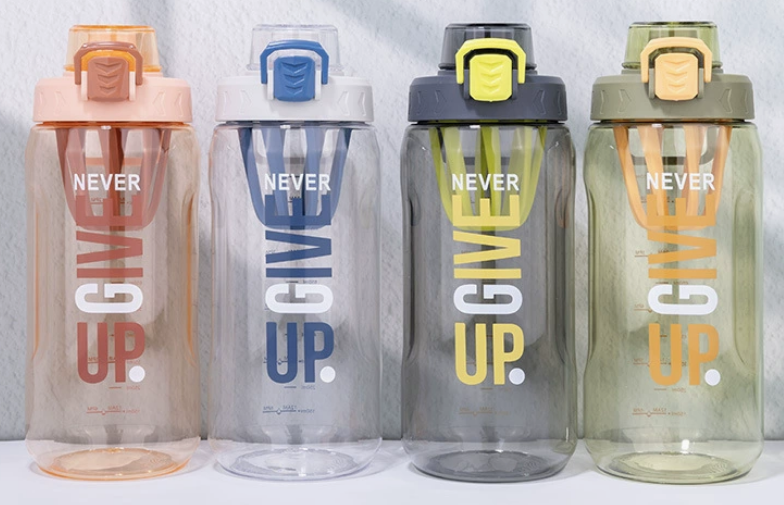
The most durable and popular method for personalizing plastic water bottles is to use permanent adhesive vinyl, which is cut with a machine like a Cricut. For a non-machine option, high-quality, pre-printed waterproof labels are best.
Dive Deeper: The Best Methods for Plastic
It's important to understand that the amazing sublimation process I use for stainless steel does not work on most common plastic water bottles. Sublimation requires a special polymer coating and very high heat, which would melt the plastic. So, we have to use methods that apply the design to the surface.
Here’s a comparison of the top choices for plastic:
-
Permanent Adhesive Vinyl: This is the industry standard for personalizing plastic. Using a machine like a Cricut or Silhouette, you cut the name or design out of a sheet of permanent outdoor-grade vinyl. Then, using transfer tape, you apply it to the bottle. When applied correctly to a clean surface, this vinyl is very durable and can withstand hand washing for a long time.
-
Waterproof Labels: If you don't have a cutting machine, you can design labels in Canva and order them from a print service. Be sure to order their "waterproof" or "heavy duty" option. These are essentially high-quality stickers designed to withstand moisture. This is less durable than vinyl but much easier for bulk orders.
-
Paint Pens (with caution): Oil-based paint pens can work on some plastics, but their durability can be inconsistent. The name can scratch off with use. It’s best for items that won't see heavy-duty wear and tear. Always test on a small area first.
For plastic, permanent vinyl is the clear winner for a durable, professional-looking result.
Conclusion
Creating a personalised water bottle is a wonderful way to give a modern, thoughtful gift. By choosing the right method for your material, you can create a beautiful and practical present.

Hi there! I'm Lucy, the guardian angel of two good children. During the day, I am a professional in the heat transfer printing industry, from factory workshops to running my own business. Here I share what I have learned - let's grow together!