How Do You Prevent Warping and Get Vibrant Prints on MDF Sublimation Blanks?
Your MDF prints are warping, and the colors look dull. You're wasting expensive blanks and feeling frustrated. Getting it right means creating professional products you can actually sell.
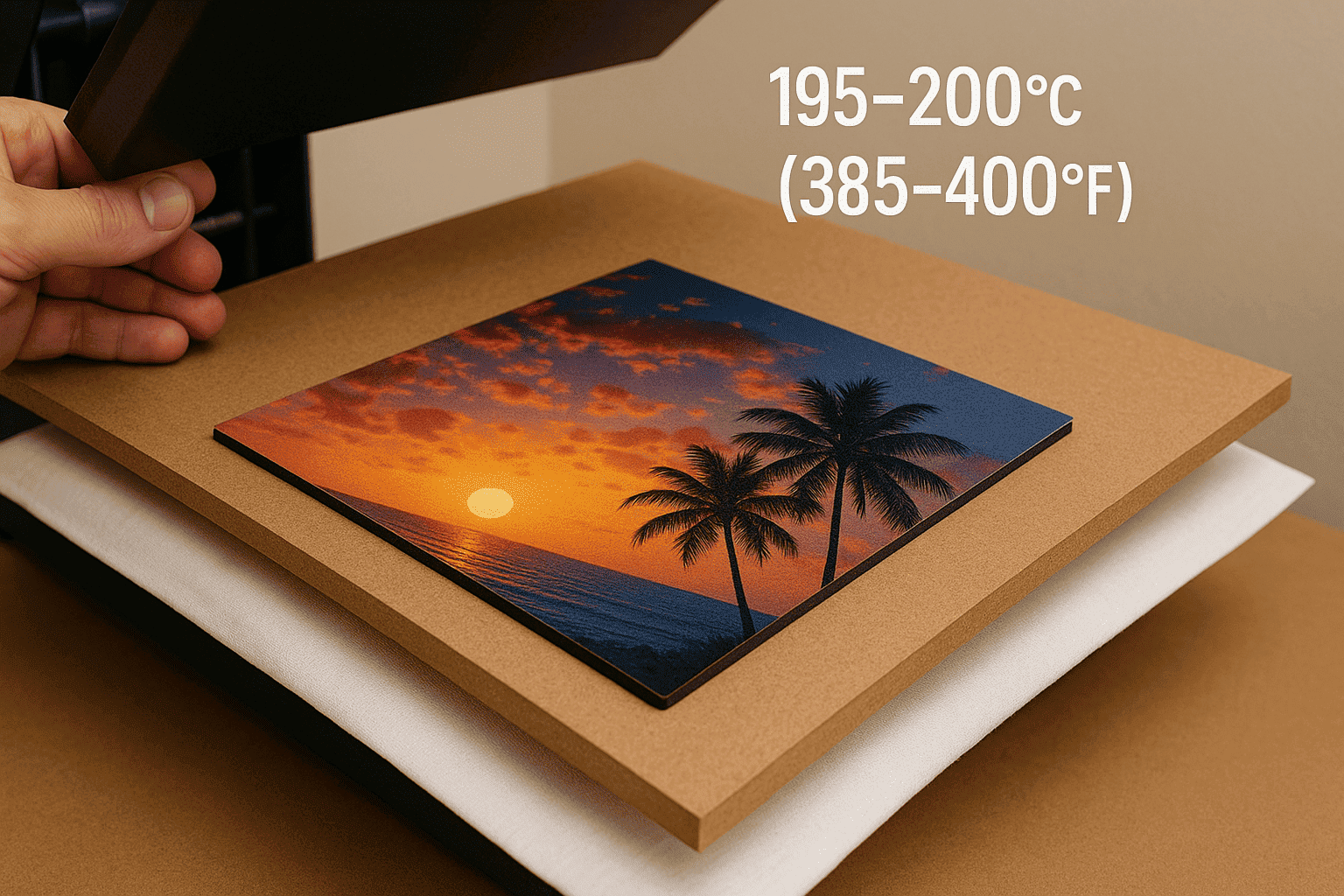
To prevent MDF from warping, press both sides and cool it under a heavy, flat object. For vibrant prints, use a quality ICC profile, press at 195-200°C (385-400°F) for 60-70 seconds, and always pre-press the blank to remove moisture.
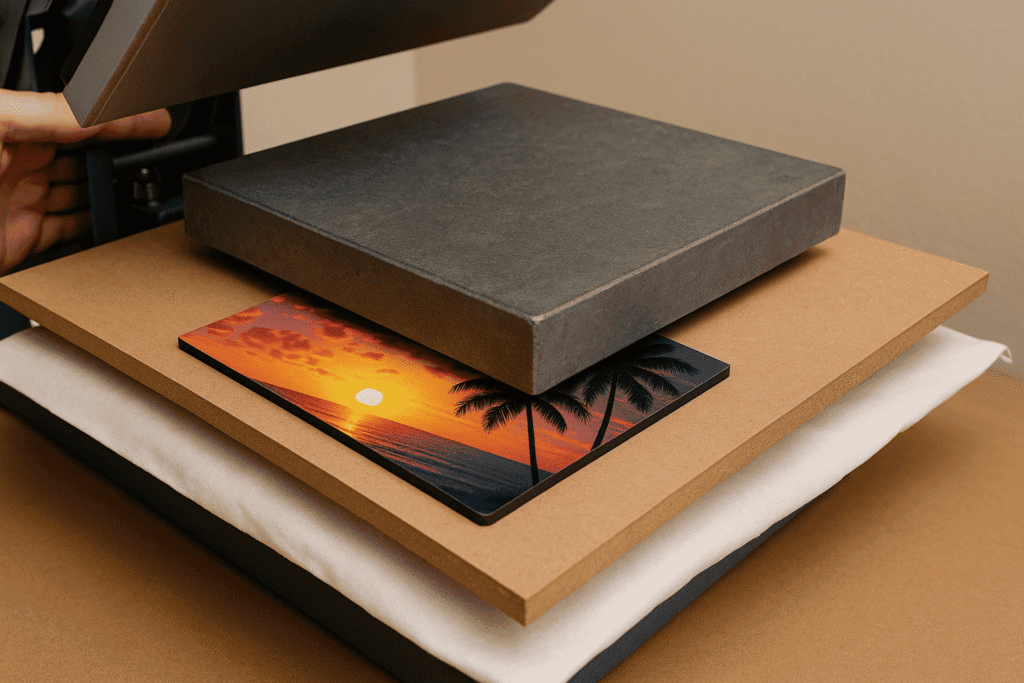
MDF, or Medium-Density Fiberboard, is one of my favorite materials to work with. It's versatile, affordable, and allows you to create amazing products like photo panels, keychains, and coasters. But when I first started my own a business, MDF gave me so many headaches. My beautiful photo panels would come out of the press curved like a potato chip. It took some focused effort, and a few key insights from my specialist Alex, to master this material. The secrets are simple once you know them, and they are all about controlling heat, pressure, and moisture.
How do I make my sublimation prints more vibrant?
Your prints look faded and lifeless compared to the design on your screen. This makes your products look cheap. You need those colors to pop to attract customers and charge premium prices.
Make sublimation prints more vibrant by using the correct ICC color profile for your specific printer and ink. Also, always use high-quality sublimation paper and ink, and ensure your design file has a high resolution.

Vibrancy begins long before you even turn on your heat press. It starts with your digital file and your printer settings. The most important tool is an ICC profile. Think of it as a translator that helps your printer understand the exact colors you see on your screen. Without it, the printer is just guessing. My specialist, Alex, is an expert in color management. He always says, "Using the wrong profile is like speaking the wrong language to your printer." You should get the profile from your ink supplier. When you print, make sure you select this profile in your printer dialog box and tell your design software (like Illustrator or Photoshop) to let the printer manage the colors. High-quality paper also plays a huge role. Better paper holds the ink well but then releases almost all of it as gas, leading to a brighter, sharper transfer on your MDF blank.
| For Vibrant Prints (Do This) | For Dull Prints (Avoid This) |
|---|---|
| Use the correct ICC Profile from your ink supplier. | Let the software or printer guess the colors. |
| Design in RGB color mode. | Design in CMYK color mode. |
| Use high-resolution images (300 DPI). | Use low-resolution, blurry images. |
| Use high-quality sublimation ink and paper. | Use generic, cheap supplies. |
What are the settings for MDF board sublimation?
You're staring at a blank MDF board and your heat press, with no idea where to start. Guessing your settings is a sure way to burn or under-press your product, wasting valuable materials.
A great starting point for most MDF boards is 195-200°C (385-400°F) for 60-70 seconds with medium pressure. Remember, this is just a starting point; thickness and your specific equipment will require adjustments.
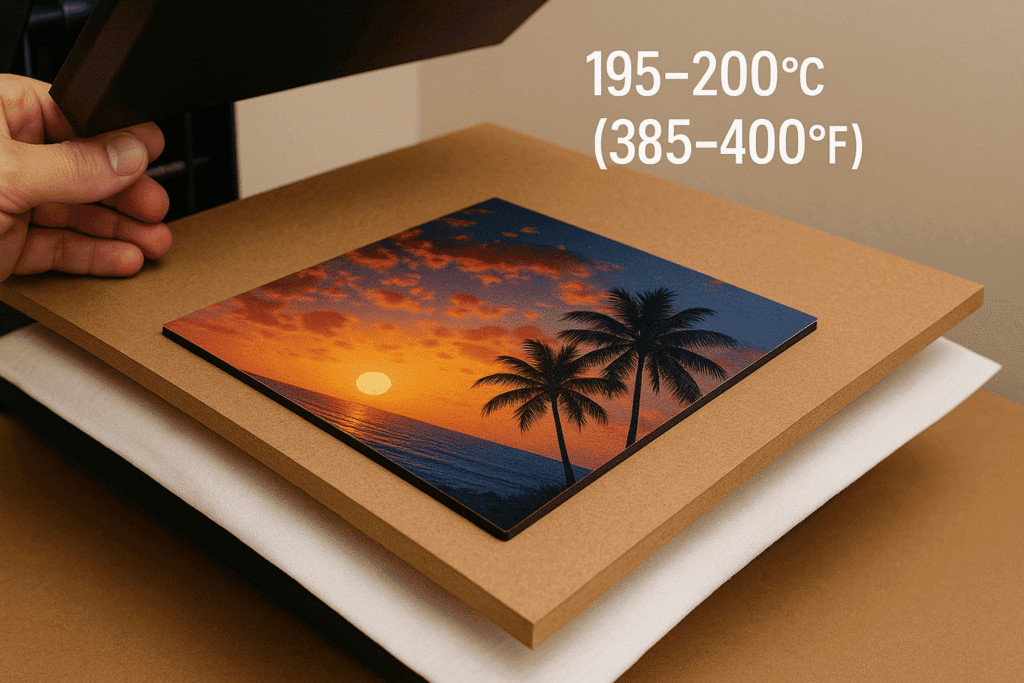
The biggest variable for MDF settings is the thickness of the board. A thin keychain will heat up much faster than a thick 1/4-inch photo panel. When I first started making large photo panels, I used the same settings I used for coasters. The result was a faded, blurry mess in the center because the heat didn't have enough time to penetrate the board fully. I learned I had to increase my press time by about 20 seconds. Pressure is also key. You want firm, even pressure across the whole surface. Too much pressure can cause the white coating to look blotchy around the edges. Too little, and you'll get faded spots. I always recommend keeping a logbook. Every time you test a new product, write down the blank, the time, the temp, and the pressure. Note the results. This logbook will become your most valuable tool.
| MDF Product | Recommended Temp | Recommended Time | Pressure |
|---|---|---|---|
| Keychains / Ornaments | ~195°C / 385°F | 50-60 seconds | Medium |
| Coasters | ~200°C / 400°F | 60-70 seconds | Medium |
| Photo Panels (Thick) | ~200°C / 400°F | 80-90 seconds | Medium |
What temperature do you sublimate on MDF?
Unsure about the right temperature? Going too high can scorch the wood and turn your white coating yellow. Going too low leaves a faint, unprofessional image that nobody will buy.
The ideal temperature range for sublimating MDF is between 195°C and 200°C (385°F to 400°F). Your exact temperature depends on press time; a slightly lower temp may need more time.
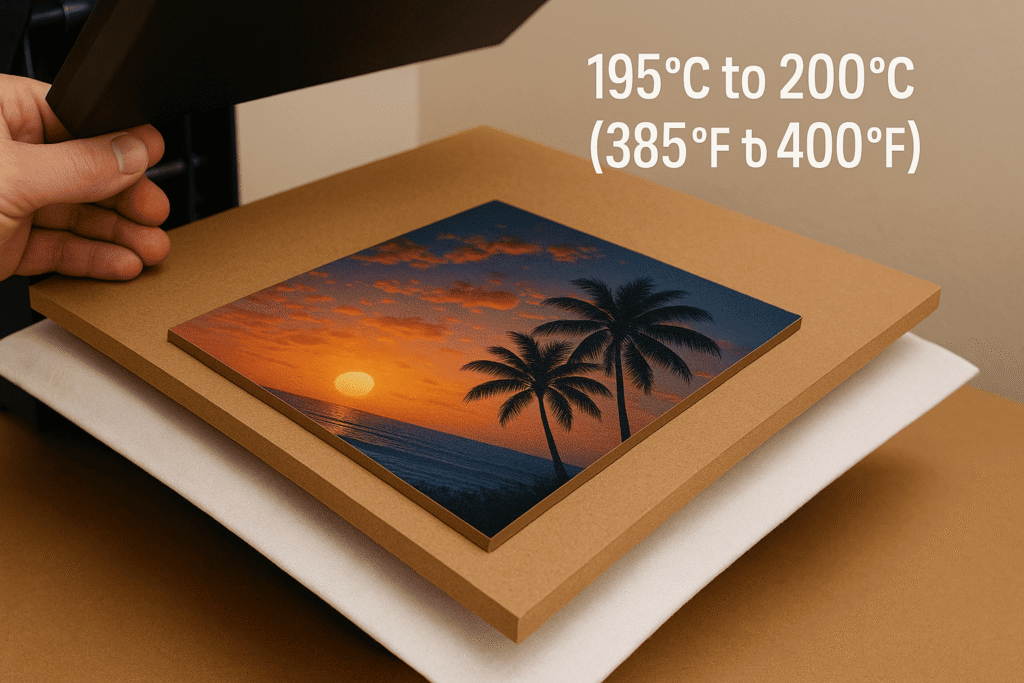
This temperature range is the "sweet spot" where sublimation ink turns to gas efficiently. But there's another factor you must control: moisture. MDF is basically made of wood fibers and can absorb moisture from the air. When you put a damp board into a 200°C press, that moisture turns to steam instantly. This can cause discoloration and blotchy patches. This is why you must pre-press your MDF blanks. I learned this lesson during a humid summer when a whole batch of my coasters came out with ugly brown spots. Alex explained that I was essentially steaming the wood. Now, I always pre-press every MDF blank for 5-10 seconds with just a protective sheet. You will literally see the steam come off it. This simple extra step removes the moisture and prepares the surface for a perfect, even transfer, preventing any temperature-related issues.
| Temperature | Result on MDF | Why? |
|---|---|---|
| Too Low (<190°C) | Faded, incomplete transfer. | The ink didn't get hot enough to fully convert into a gas. |
| Just Right (195-200°C) | Vibrant, sharp, complete transfer. | The ink fully sublimated into the polymer coating. |
| Too High (>205°C) | Scorched edges, yellowing. | You are burning the wood fibers and the polymer coating. |
Why are my sublimation prints coming out dull?
You've followed all the steps, but your final product is still dull and disappointing. This is a common issue that can almost always be fixed. Let's run through a quick diagnostic checklist.
Dull prints happen for four main reasons: using the wrong color profile, having low-quality materials, using incorrect press settings (time/temp/pressure), or having moisture in your blank.
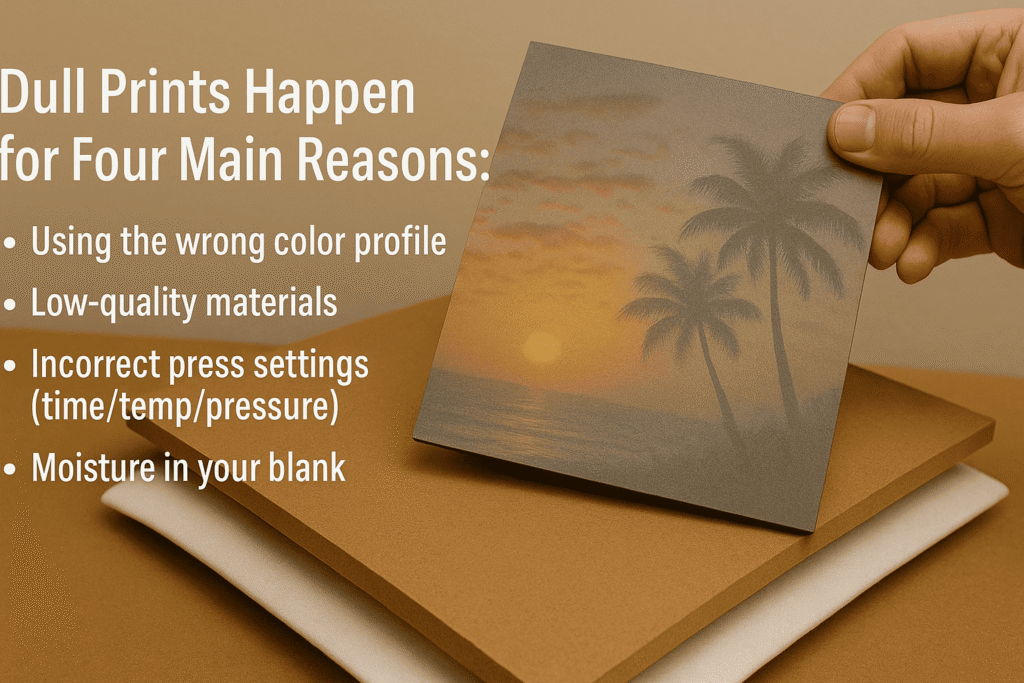
If your prints are dull, work through this checklist. Chances are, the answer is here. First, go back to your computer. Is your artwork high-resolution (300 DPI)? Are you using the correct ICC profile for your printer and ink? This is the number one cause of dull colors. Second, check your materials. Are you using true sublimation ink and paper from a trusted supplier? Cheap supplies will always give you cheap-looking results. Third, let's look at your heat press. Is there enough pressure? Is it hot enough? Did you press it for long enough? A faded image often just needs 10 more seconds in the press. Finally, the secret culprit: moisture. Did you pre-press the MDF blank before putting your design on it? Pre-pressing for 5-10 seconds to drive out any hidden moisture is a critical step that many people skip. A dry board accepts the ink much more vibrantly.
Conclusion
To master MDF sublimation, focus on the details. Use quality materials, pre-press to remove moisture, dial in your unique settings, and always cool the blank under weight to prevent warping.

Hi there! I'm Lucy, the guardian angel of two good children. During the day, I am a professional in the heat transfer printing industry, from factory workshops to running my own business. Here I share what I have learned - let's grow together!