How Do You Sublimate on Ceramic Coasters for Flawless Results?
Your ceramic coaster projects are a disaster. The colors are faded and the images are blotchy, making them totally unsellable. You're wasting money on blanks and feeling incredibly frustrated.
Achieving a flawless sublimation on ceramic coasters depends on using specially coated blanks, a precise time and temperature, and the right pressure. The standard starting point is 400°F (204°C) for around 60-75 seconds with light to medium pressure.
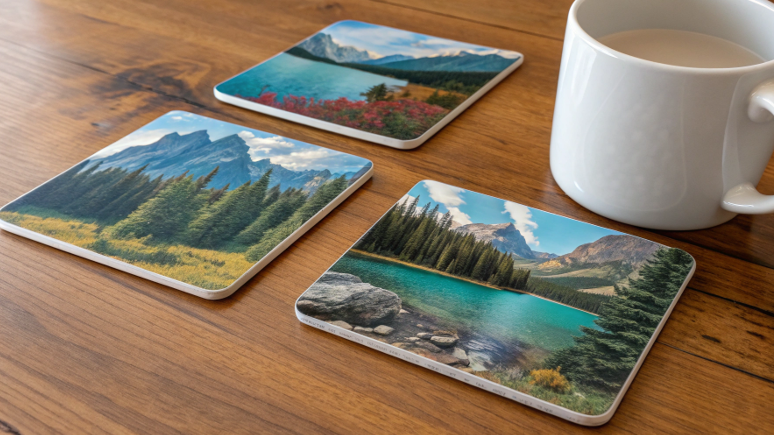
I remember my first attempt at coasters vividly. I was so used to the long press times for mugs that I used the same settings. The result was a smoky, brown-tinted mess. Then I tried again and cracked a coaster because I used the heavy pressure required for a mug. I quickly learned that even though coasters are ceramic, they are a completely different product that requires its own unique process. Mastering coasters was a key step in helping my clients expand their product lines beyond just drinkware. Let's get the settings right so you can do it too.
Can you sublimate on ceramic coasters?
You walk through a hardware store and see cheap, plain ceramic tiles. You think you’ve discovered a great money-saving hack for your sublimation business.
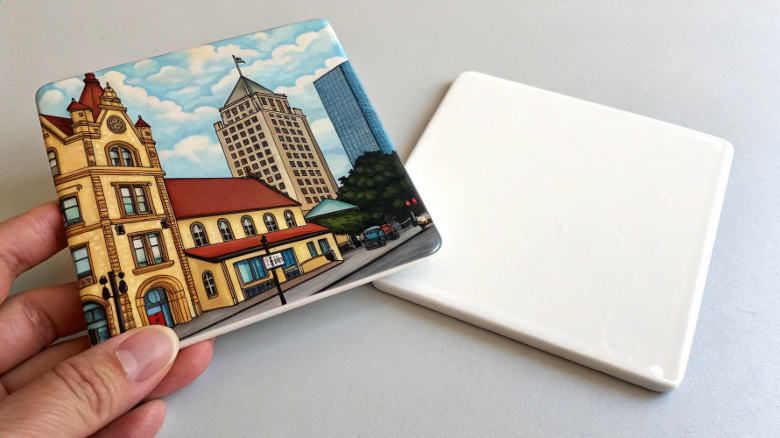
Yes, you can sublimate on coasters, but only if they are special ceramic blanks with a polymer coating. Regular ceramic tiles from a store will not work. The sublimation ink will have nothing to bond with.
This is the most important rule. Buying blanks from a real sublimation supplier is the only way to guarantee they have the required coating. My product expert, Alex, describes the coating as the "primer" for the ceramic. It’s an invisible layer of polyester polymer that, under heat, opens its pores to accept the sublimation ink gas. As it cools, the pores close, trapping the ink to make the design permanent. An uncoated tile has no polymer pores, so the ink just sits on the surface as a faint smudge and wipes right off. You're not saving money by buying wrong; you're just paying to create waste. There are also two common types of sublimation coasters to be aware of, each with a different feel.
| Coaster Type | Material | Finish & Feel | Best For |
|---|---|---|---|
| Ceramic | Ceramic with Glossy Coating | Smooth, glossy, waterproof | Vibrant photos and art |
| Sandstone | Natural Stone with Coating | Matte, slightly rough, absorbent | Rustic or natural designs |
What temperature is a ceramic coaster sublimation?
You search online and find conflicting temperatures for coasters. One site says 380°F, another says 400°F, leaving you unsure what to set your press to avoid errors.
The industry-standard starting temperature for sublimating a ceramic coaster is 400°F (204°C). This high temperature ensures the ink turns to gas quickly and properly bonds with the coaster's polymer coating.
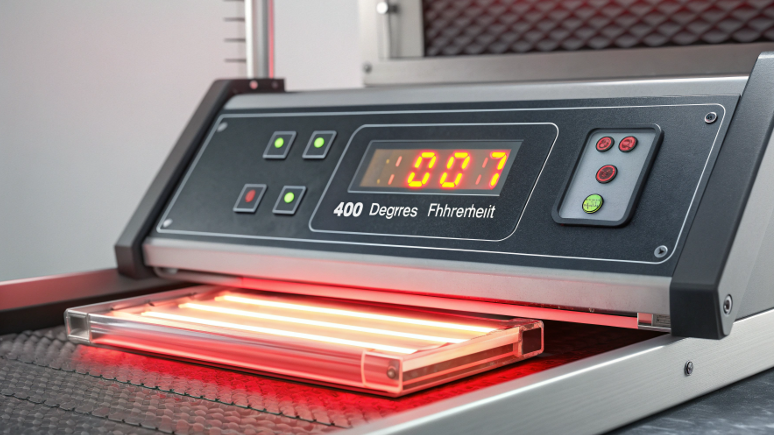
400°F is the sweet spot for these hard, flat surfaces. It provides enough heat to perform the chemical reaction (sublimation) efficiently without taking too long. If you set the temperature too low, say 360°F, you would have to press for a much longer time to get the same result. A longer press time increases the risk of the paper shifting or the heat being uneven. Alex, my technical specialist, always cautions people to check their equipment. "Use an infrared temperature gun to check your heat platen," he says. "The number on your display might be 10-20 degrees off from the actual surface temperature." Knowing if your press runs hot or cold is critical. If your press runs cool, you may need to set it to 410°F to actually reach a true 400°F. Start at 400°F and then diagnose your result from there.
Can you sublimate directly onto ceramic?
The dream of a shortcut is tempting. You wonder if you can skip buying special blanks and just print directly on any ceramic item, saving time and money.
No, you can never sublimate directly onto raw, uncoated ceramic. The sublimation process is a chemical reaction that requires a specific polyester polymer coating to work. Without it, the transfer will completely fail.
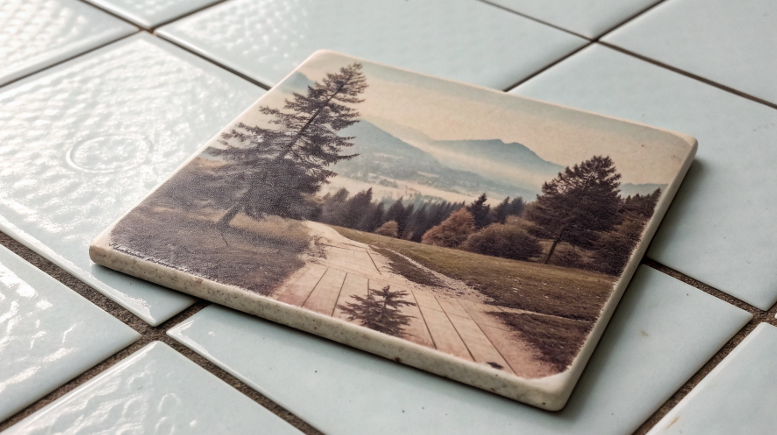
I want to be very clear about this because it trips so many people up. It's a question of chemistry. Raw ceramic and sublimation dye are incompatible. Think about it like trying to mix oil and water; they simply won't combine. The dye sublimation ink is specifically designed to bond with polyester molecules. The polymer coating on a sublimation blank is a layer of polyester. When you heat it, the ink turns to gas and fuses with that polyester layer. Raw ceramic has no polyester molecules for the ink to grab onto. While you might see DIY polymer coating sprays for sale, I strongly advise against them for any product you plan to sell. It's nearly impossible to get a perfectly smooth, even coat. This leads to blotchy results, and the coating can yellow over time or fail, ruining your product and your reputation. The small savings are not worth the professional risk.
What temperature do you sublimate ceramic at?
This sounds like a question we already answered, but it's different. It's about a process. How do you find the perfect temperature for your machine, not just a general guide?
Start at 400°F (204°C) for 60-75 seconds with light pressure. Then, analyze your first test print. If the blacks are brownish or fuzzy, your temperature might be too high; if they're faded, it might be too low.
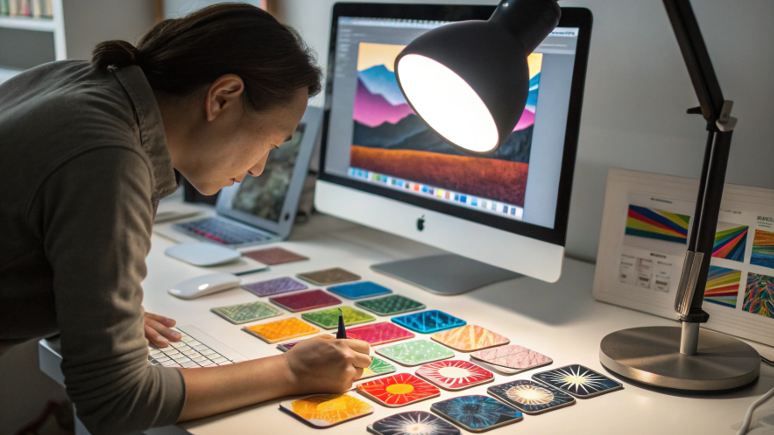
This is how you move from being an amateur to a professional. You learn to read your results and adjust. Let's create a simple testing workflow. Press one coaster at 400°F for exactly 70 seconds with light-medium pressure. Now, look closely at the result. The color black is the best indicator of temperature problems. Is your black square rich and solid? Or does it look a little brown or faded? A brownish tint or blurry edges means you have "over-cooked" it; the temperature is too high, causing the ink to spread too far. A weak, faded, or grayish black means it's "under-cooked"; the temperature was too low to fully activate the ink. Adjust your temperature by just 5 degrees and test again. This small, methodical adjustment is how you dial in the perfect settings that give you repeatable, professional results every single time.
| Test Result | Potential Cause | Action to Take |
|---|---|---|
| Colors Faded, Blacks Grayish | Too low temperature / Too short time | Increase time by 10-15 seconds first. If no change, increase temp by 5°F. |
| Colors Dark, Blacks Brownish | Too high temperature | Decrease temperature by 5-10°F. |
| Image Blurry / "Ghosting" | Too high temp / Lifting press too slow | Decrease temperature. Lift press quickly and cleanly after pressing. |
Conclusion
Always use coated ceramic blanks. Start at 400°F for 60-75 seconds, then test and adjust. This simple method is the key to creating perfect, sellable coasters every time.

Hi there! I'm Lucy, the guardian angel of two good children. During the day, I am a professional in the heat transfer printing industry, from factory workshops to running my own business. Here I share what I have learned - let's grow together!