How Does Sublimation Printing Actually Work?
You see stunning, vibrant custom products and want to make them yourself. But the technical terms are confusing. You just want a clear path to creating professional-quality items that don't fade or peel.
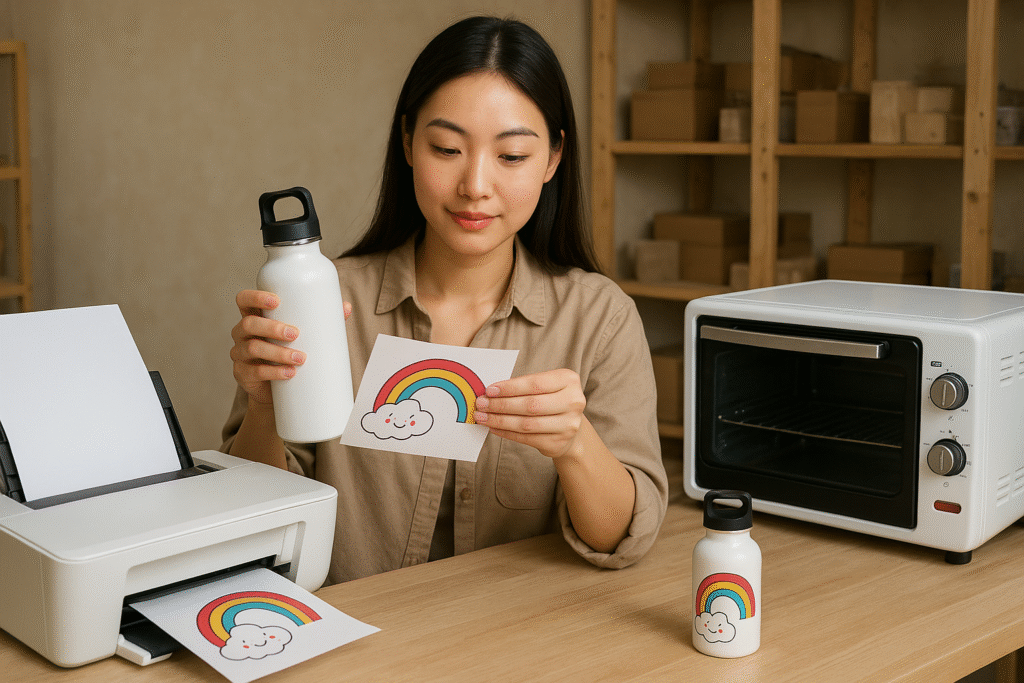
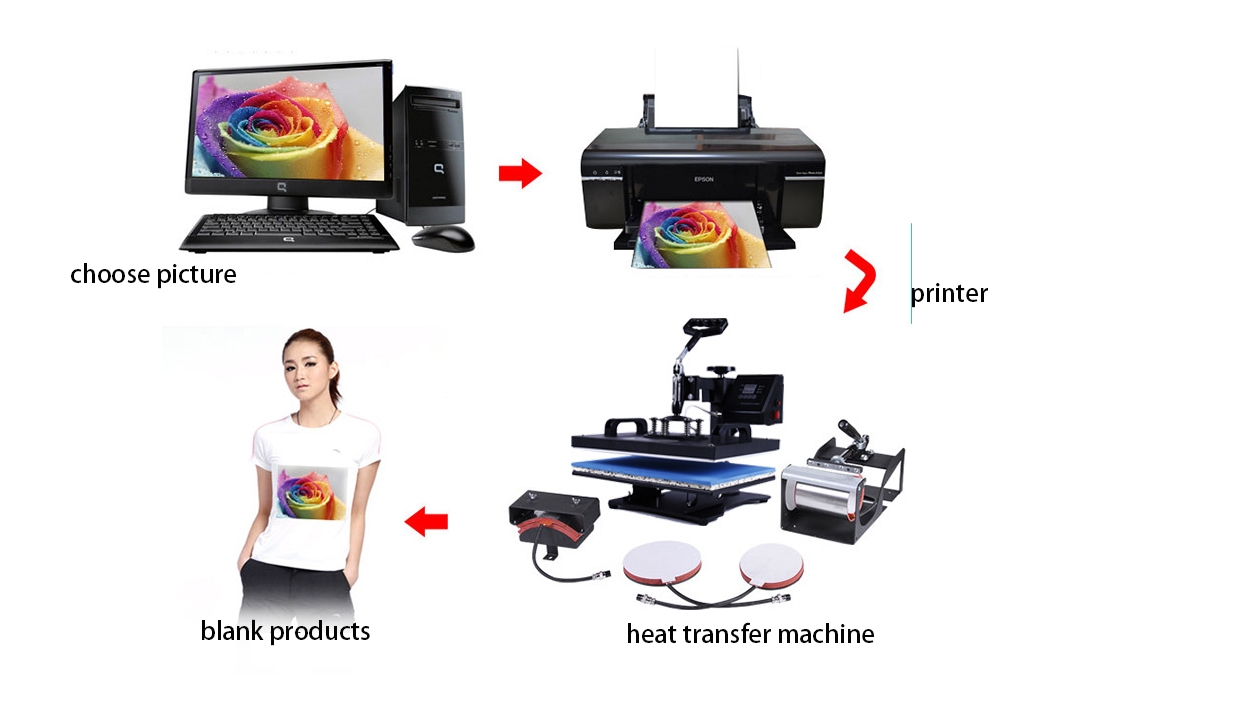
Sublimation printing uses heat to turn special ink into a gas that permanently fuses with polyester materials. This creates a smooth, full-color, and incredibly durable design that is embedded directly into the item's surface, rather than sitting on top of it.
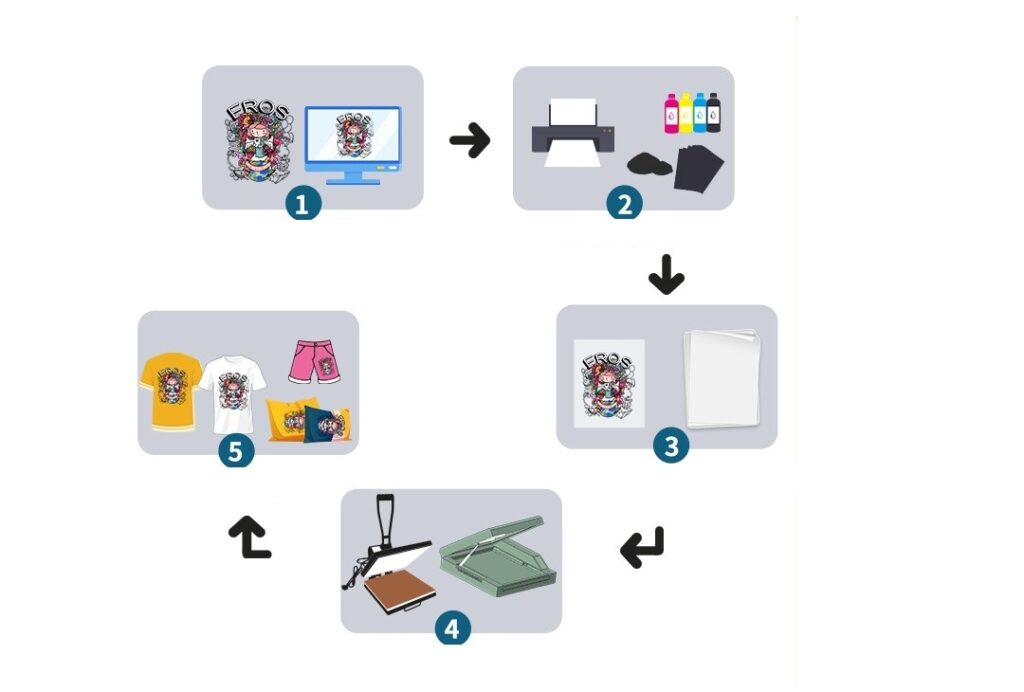
When I started my first job in a sublimation factory, the process felt like pure magic. I’d see plain white fabric or blank mugs go into a heat press and emerge seconds later with a perfect, photographic image. It wasn't a sticker; you couldn't feel it at all. That experience showed me the incredible potential of sublimation. This process is the key to creating premium products, and I'm here to explain how you can master it too.
What are the disadvantages of sublimation printing?
You're excited about the vibrant, permanent results of sublimation. But you worry about hidden costs or limitations. Investing in the wrong technology for your specific needs is a common and costly mistake.
The primary disadvantages are material limitations. Sublimation only works on high-content polyester materials and on light-colored surfaces. You cannot print on 100% cotton or dark-colored items like black shirts, and the initial equipment setup cost can be a hurdle.
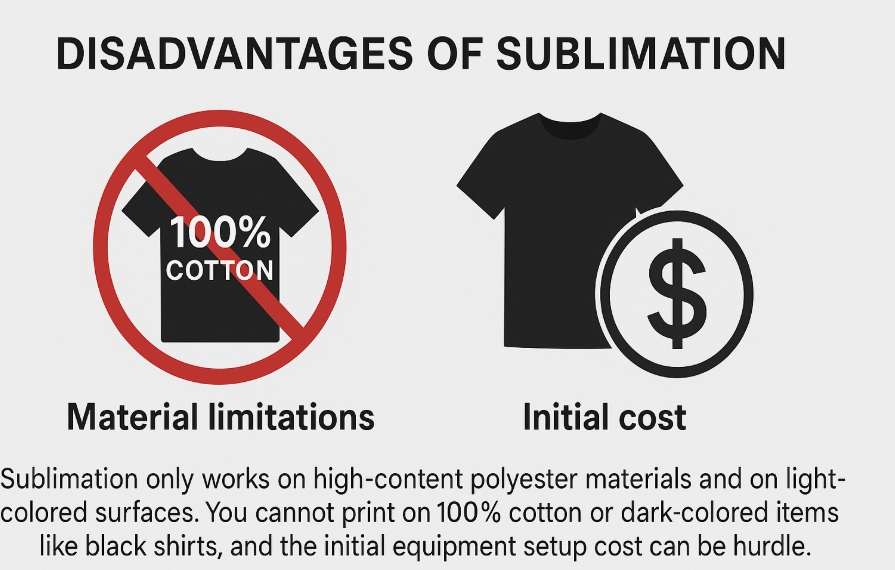
I am a huge advocate for sublimation, but I'm always upfront with my clients about what it can't do. Understanding these limits saves you time, money, and frustration. My technical expert, Alex, always stresses that knowing your process's limitations is as important as knowing its strengths.
The Fabric Rule
The most important rule is that sublimation is a "polyester-only" relationship. The ink-to-gas process requires polymer fibers to bond with. On 100% polyester, you get a perfect, vibrant image. On a 50/50 poly-cotton blend, the ink only bonds to the polyester half, resulting in a faded, "vintage" look. On 100% cotton, the ink has nothing to grab onto and will almost completely wash out.
The Color Rule
Sublimation ink is translucent, meaning it dyes the fibers rather than covering them like paint. This means you can't print on dark fabrics. Printing yellow on a navy shirt won't work; the navy will show through. This is also why there's no white sublimation ink. Any white in your design comes from the white of the blank item itself.
| Limitation | Technical Reason | Best Practice |
|---|---|---|
| Polyester Only | Ink requires polymer fibers for the chemical bonding process. | Use blanks with at least 65% polyester, 100% for best results. |
| Light Colors Only | Translucent ink dyes the surface, it cannot cover dark colors. | Use white or very light-colored blanks for true color reproduction. |
| Initial Cost | Requires dedicated printer, ink, paper, and heat press. | Start with an entry-level bundle to learn the process before scaling. |
What do you need to do sublimation printing?
You want to start making your own custom items. The list of supplies can feel overwhelming and expensive. Buying the wrong combination of gear is a common startup mistake that can stop you before you begin.
To start sublimation printing, you need four essential items: a dedicated inkjet printer with sublimation ink, sublimation transfer paper, a quality heat press, and sublimation-ready blanks (like polyester fabric or polymer-coated mugs).
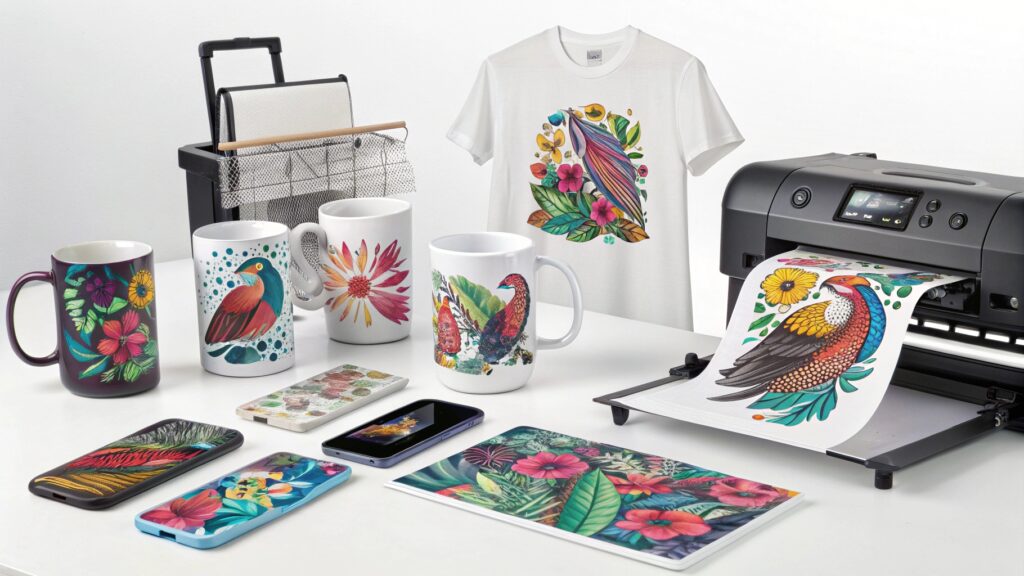
When I helped my first clients set up their businesses, we created a simple startup checklist. This core list is all you need to create your first professional-quality sublimated product. Think of these as your four pillars for success.
The Essential Sublimation Starter Kit
- A Dedicated Printer with Sublimation Ink: You cannot use a standard office printer or its ink. You need an inkjet printer (many people start with Epson EcoTank models) filled only with sublimation ink. This special ink is what creates the gas needed for the transfer.
- Sublimation Paper: This isn't just regular printer paper. It has a special coating designed to hold the ink in place and then release it almost completely when heated. Using the wrong paper leads to faded, blotchy results.
- A Heat Press: Your home iron won't work. A heat press is crucial because it provides the two things necessary for a successful transfer: high, consistent temperature (usually around 200°C / 400°F) and firm, even pressure. These variables are what Alex, my technical expert, calibrates to achieve a high colorfastness grade.
- Sublimation Blanks: These are items specifically prepared for sublimation. They are either made of 100% polyester or have a special polymer coating applied to them. This includes t-shirts, mugs, mousepads, keychains, and more.
Can a Cricut do sublimation printing?
You may already own a Cricut machine for crafting. You hear about sublimation and wonder if you can use your existing tool. This confusion leads many to believe their Cricut machine can print the designs.
No, a Cricut cutting machine cannot print sublimation designs. However, Cricut's Infusible Ink system is its own brand of sublimation. You can also use a Cricut to cut special printable sublimation vinyl, but the printing itself must be done with a sublimation printer.
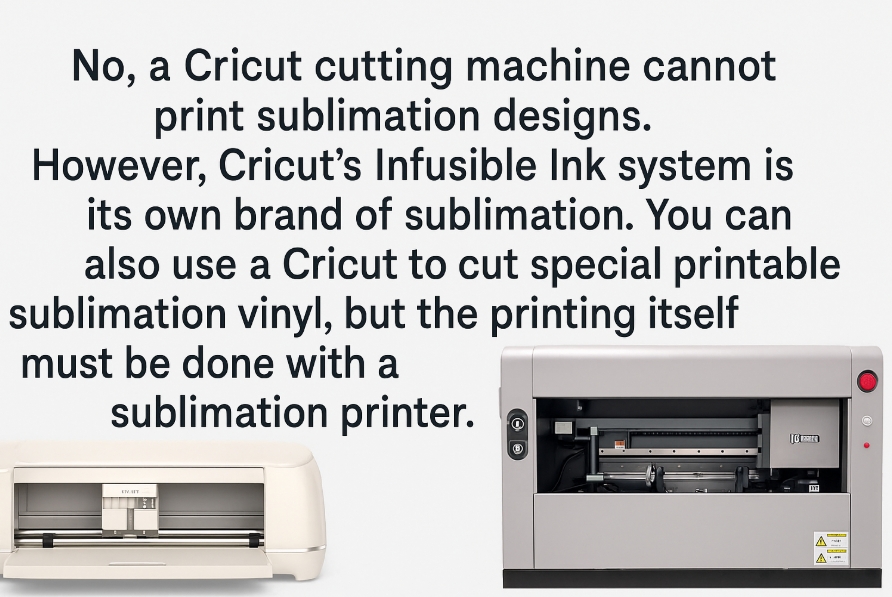
This is one of the most common questions I get from people entering the customization world. A Cricut is a fantastic tool, but it's important to understand its role. A Cricut machine (like the Maker or Explore) is a digital cutter, not a printer. It can't print designs with ink. However, it plays a key role in the Cricut-branded sublimation ecosystem.
Cricut's Role in Sublimation
There are two main ways a Cricut interacts with sublimation:
- Cricut Infusible Ink: This is Cricut's user-friendly version of sublimation. You buy pre-printed Infusible Ink transfer sheets and use your Cricut machine to cut out shapes and designs. You then heat-press these cutouts onto compatible Cricut blanks. It's sublimation without needing a printer. This is great for beginners but limits you to the colors and patterns Cricut sells.
- Cutting Materials for Sublimation: There are special materials, like Siser EasySubli vinyl, that you can print on with a sublimation printer. After printing, you can use your Cricut to perfectly cut out the design before heat-pressing it onto a cotton shirt. This is an advanced technique that bridges the gap between sublimation and vinyl.
In short, your Cricut machine is a partner to the sublimation process, not the printer itself.
Can I put sublimation ink in any printer?
You want to start sublimation on a budget and see your old office printer sitting there. It seems easy to just swap the inks. This is a critical mistake that will ruin your printer and waste your money.
No, you cannot put sublimation ink in just any printer. Sublimation ink requires a printer with a Piezo-electric printhead (like those in most Epson printers). Printers with thermal printheads (like most HP and Canon models) will boil the ink, ruining the printhead and the printer.
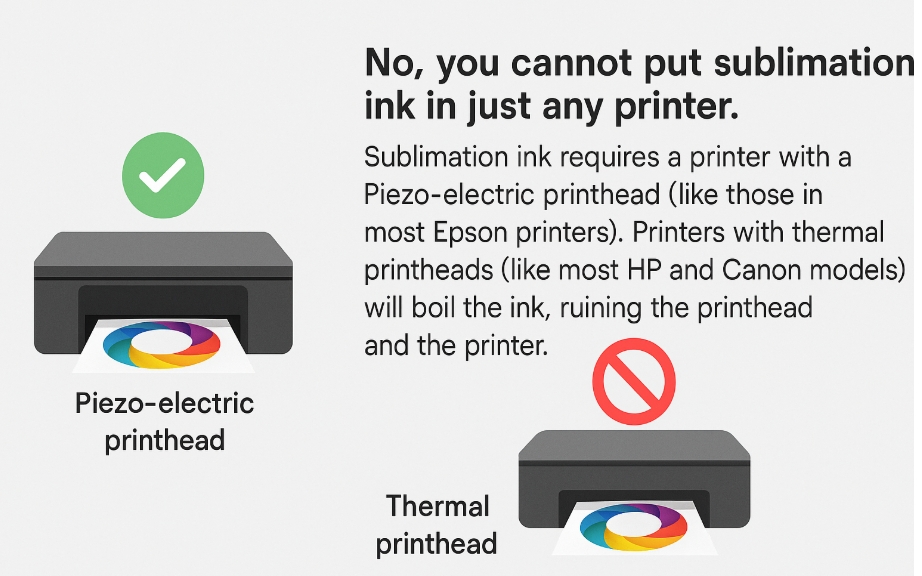
This is where the technical details really matter. I've seen many aspiring entrepreneurs accidentally destroy a brand new printer by using the wrong type. The difference comes down to how the printer puts ink on the paper. My expert, Alex, explains it as a choice between "squeezing" and "boiling."
Printhead Technology Explained
- Piezo-electric Printheads (Epson): These printheads use tiny crystals that vibrate when electricity is applied. This vibration creates pressure that "squeezes" a precise droplet of ink onto the paper without using heat. This is perfect for sublimation ink, as it doesn't change the ink's properties. This is why Epson EcoTank and Workforce printers are the go-to choice for converting to sublimation.
- Thermal Printheads (HP, Canon, etc.): These printheads use a tiny resistor to rapidly heat the ink. This creates a small bubble of vapor that "boils" and pushes the ink droplet out of the nozzle. This intense heat would activate the sublimation ink inside the printer itself, clogging the printhead and rendering the machine useless for any kind of printing.
| Printhead Type | How It Works | Suitable for Sublimation? | Common Brands |
|---|---|---|---|
| Piezo-electric | Uses vibration to "push" ink. | Yes | Epson |
| Thermal | Uses heat to "boil" ink. | No | HP, Canon, Brother |
Conclusion
Sublimation printing is a powerful process that creates permanent, vibrant designs. It requires specific tools and materials but is the best choice for professional-quality results on polyester and coated items.

Hi there! I'm Lucy, the guardian angel of two good children. During the day, I am a professional in the heat transfer printing industry, from factory workshops to running my own business. Here I share what I have learned - let's grow together!