What is the cheapest way to do sublimation?
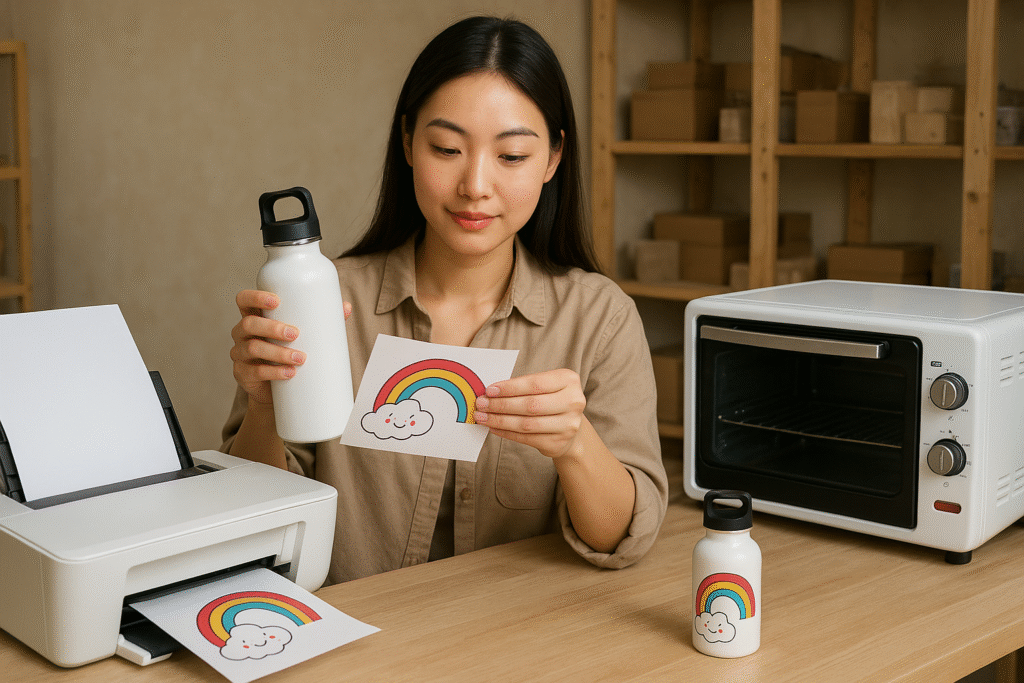
Starting a sublimation business feels expensive. The cost of special printers and presses can stop your creative dream. But you can get started without spending a lot of money.
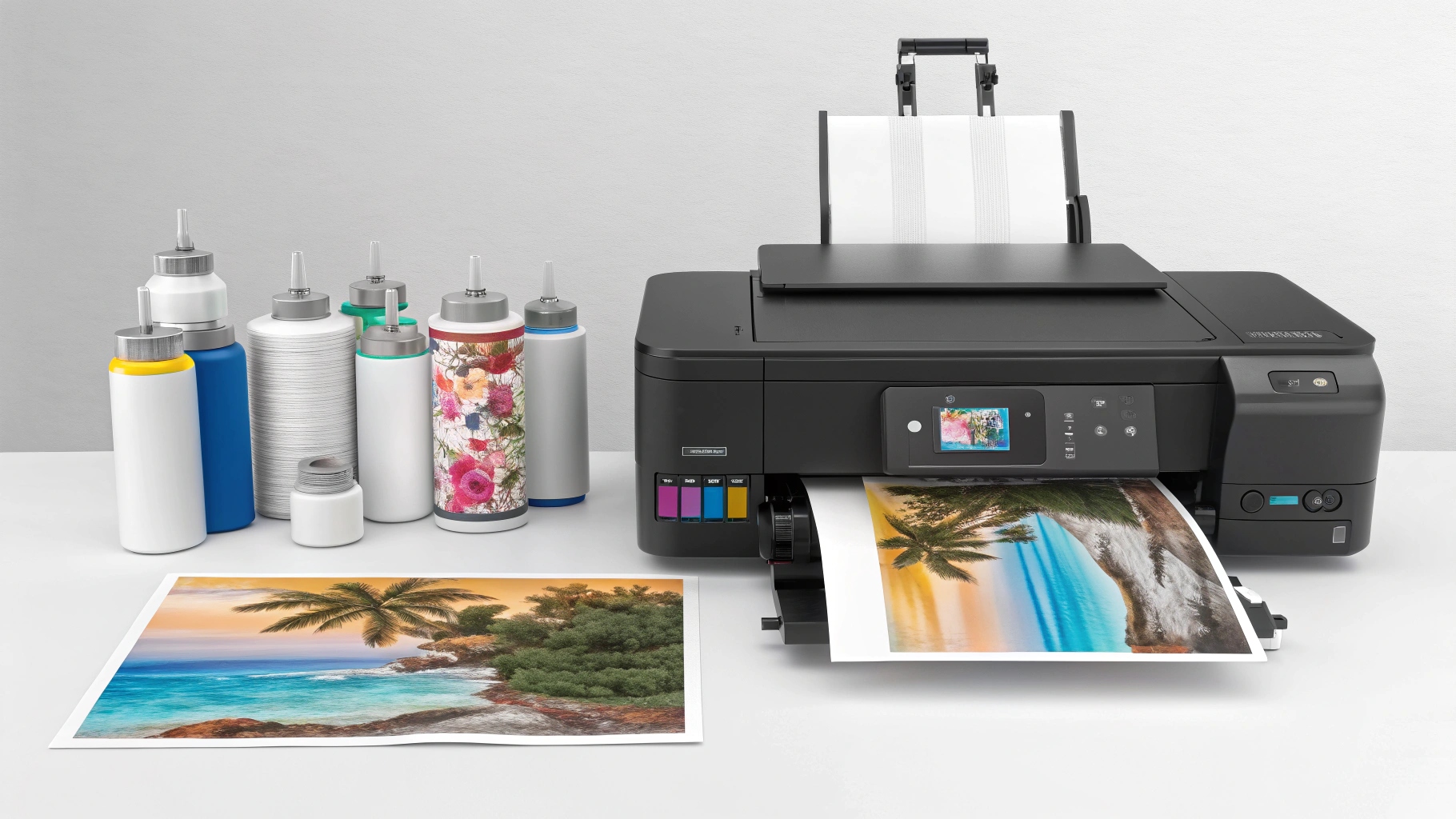
The cheapest way to start sublimation is by converting an Epson EcoTank printer, using third-party sublimation ink, and buying a budget-friendly heat press. This strategy avoids the high upfront cost of dedicated sublimation equipment, making it accessible for beginners on a tight budget.
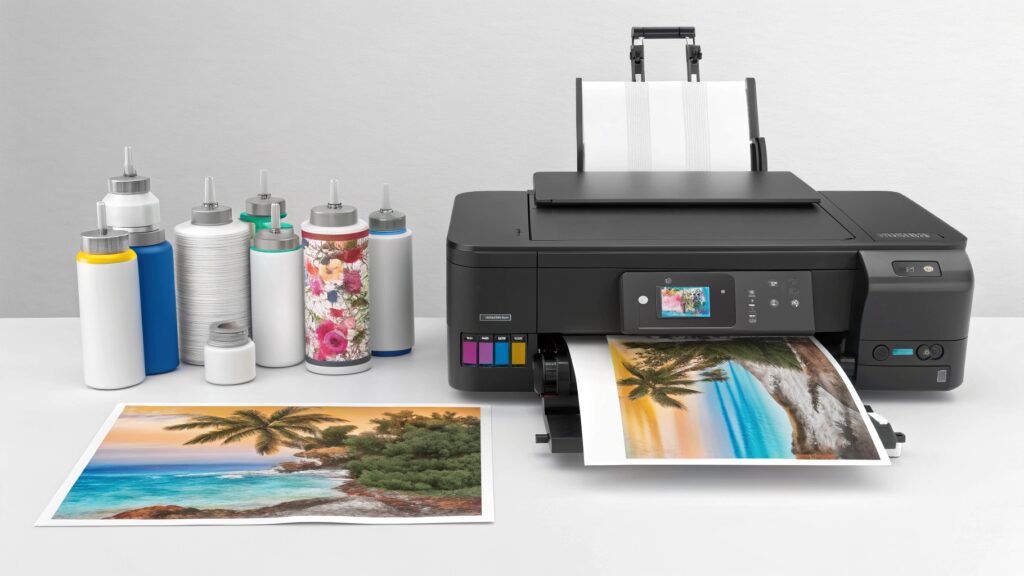
When I first started my journey in this industry, the price tags on professional gear nearly scared me away. I had a passion for creating but a very limited budget. I quickly learned that you don't need the most expensive tools to create beautiful, high-quality products. It's about making smart, informed choices from the very beginning. Let's look at how you can get everything you need without breaking the bank.
Can I really convert a regular printer for sublimation?
Dedicated sublimation printers are very expensive. This huge cost can make you feel like starting your own business is impossible. Luckily, converting a standard inkjet printer is a great, affordable option.
Yes, you can convert brand-new inkjet printers that use a Piezo printhead, like the Epson EcoTank models. Their refillable tanks let you easily add sublimation ink from the start. You must never use a printer that has already had regular ink in it.
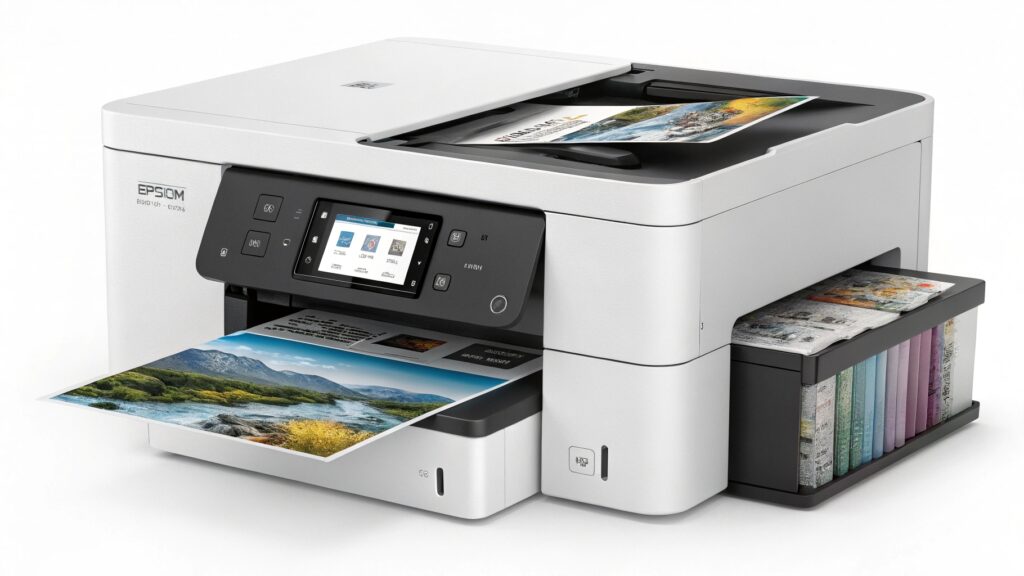
This was the first big secret I unlocked. Instead of spending over a thousand dollars on a machine, I bought a simple Epson EcoTank for a fraction of the price. My friend Alex, a printing tech specialist, explained it to me. He said Epson printers are perfect because of their Piezo printheads, which use pressure, not heat, to spray ink. Other brands like HP or Canon use thermal printheads that would boil the sublimation ink, ruining the printhead and your designs. It's a critical difference. That’s why you must start with a brand-new, empty printer. Once regular ink has run through it, it's impossible to clean it out completely for sublimation.
Here is a simple breakdown:
| Feature | Converted Epson EcoTank | Dedicated Sublimation Printer (e.g., Sawgrass) |
|---|---|---|
| Initial Cost | Low ($200 - $300) | High ($600 - $1500+) |
| Ink Cost | Very Low (Bottles are cheap) | Very High (Proprietary cartridges) |
| Setup | Manual (You add ink yourself) | Simple (Plug and play) |
| Software | Requires separate RIP software for best color | Includes free, intuitive software (e.g., PrintMate) |
| Best For | Hobbyists and beginners on a budget | Professionals needing perfect color and support |
Where can I find affordable sublimation ink and paper?
Brand-name ink and paper add up fast. These ongoing costs can really hurt your profits, especially when you're just starting. The good news is you can find quality supplies without the high price tag.
You can find affordable sublimation ink and paper online from places like Amazon, Etsy, or specialized sublimation supply websites. Look for third-party brands with many positive reviews and consider buying starter kits or bundles to get the best price.
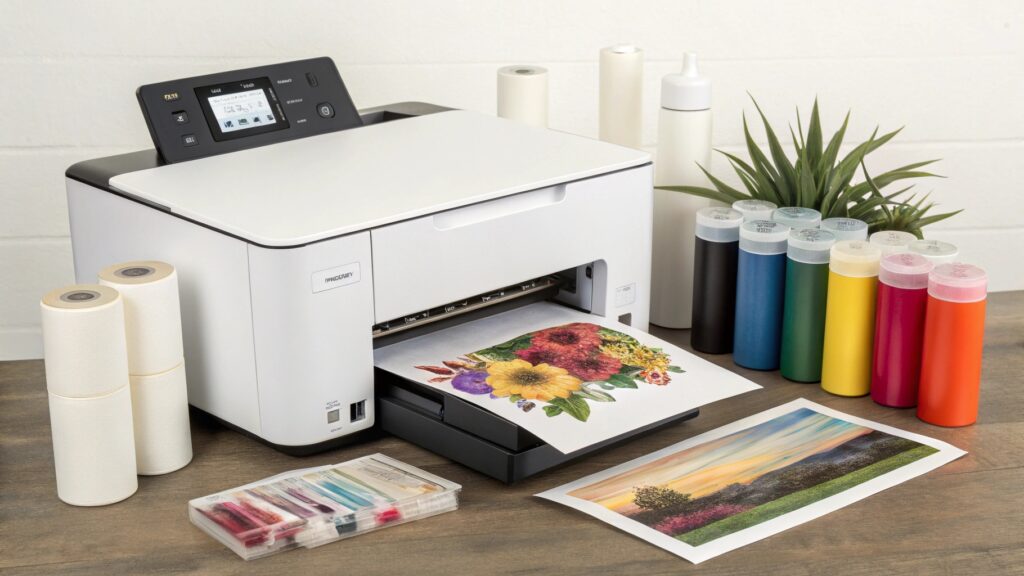
When I was building my trading company, controlling costs was everything. I tested dozens of different third-party inks and papers. What I learned is that "cheap" doesn't have to mean "bad quality." The key is to do your homework. Read reviews and see what other people are making with the supplies. One critical thing Alex taught me is the importance of an ICC profile. This is a small data file that tells your printer how to print colors accurately. Many good-quality budget ink sellers will provide a free ICC profile for you to download. Without it, your reds might look pink, or your blacks might look brown. Good paper is also important. Cheap paper might feel thin and can sometimes cause "ghosting," where the image looks blurry. I recommend getting a small pack of paper first to test it before you buy a huge roll. You want paper that releases the ink well and gives you sharp, vibrant results.
Do I need an expensive heat press to start?
A professional heat press can be a huge investment. You might worry that buying a cheap one will just lead to ruined products and wasted money. You can absolutely start with a budget-friendly press if you know what to look for.
No, you don't need a high-end heat press when you start. Many affordable clamshell or swing-away heat presses are available online. The most important features to look for are even heat distribution and accurate temperature controls, which you can find on budget models.
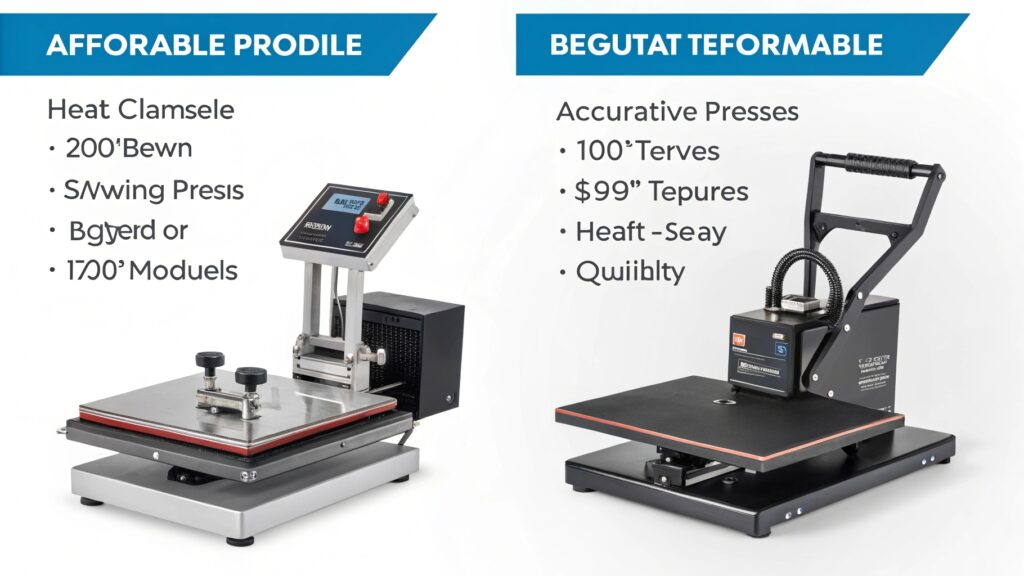
My first heat press was a basic 15"x15" clamshell I bought online. It wasn’t fancy, but it helped me launch my business. The most common problem with cheap presses is "cold spots," where some parts of the heating plate aren't as hot as others. This leads to faded or uneven transfers. Before I ever pressed a real product, I would test a new press. I'd take a large piece of scrap polyester fabric and a full-page design and press it. This showed me if my press had any cold spots. A good press, even a cheap one, will give you consistent results. A 15"x15" size is perfect for beginners because it's big enough for T-shirts but not too bulky. Look for a machine with a clear digital display for time and temp. And always read recent reviews to see what other people are saying about its performance right now.
How can I avoid costly mistakes and save money?
Wasting materials is like throwing money away. Ruining blank mugs, T-shirts, and expensive sublimation paper is incredibly frustrating. Following a few simple practices will help you reduce errors and keep more cash in your pocket.
You can avoid costly mistakes by always testing on scrap fabric, using protective blowout paper, and keeping a detailed log of your settings. A log of the time, temperature, and pressure for each material will prevent you from wasting valuable sublimation blanks.
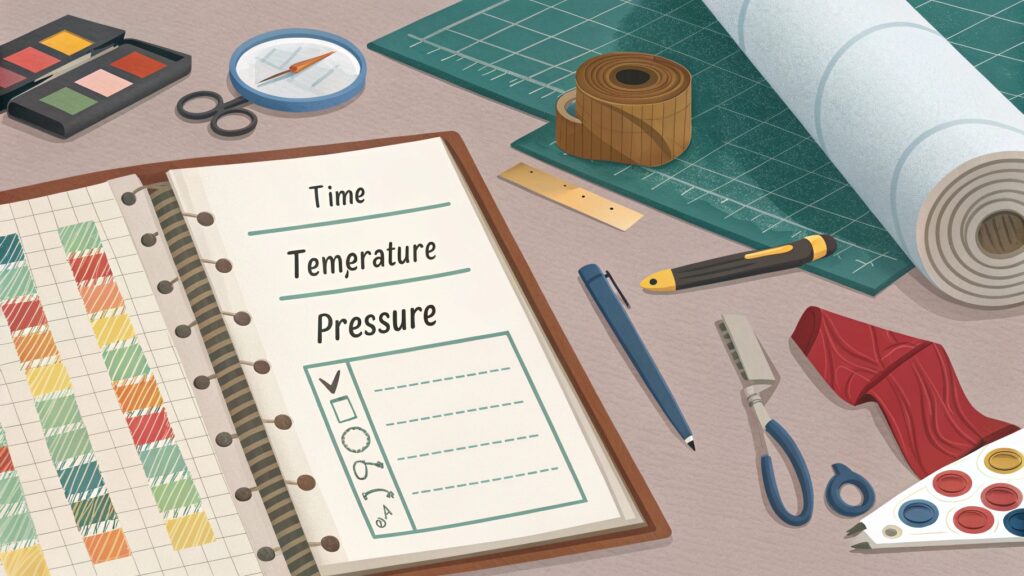
In the sublimation world, precision is key. A few degrees or a few seconds can be the difference between a perfect product and a reject. This is where my friend Alex's engineering mindset really helped me. He taught me to be methodical. The most valuable tool I developed was a simple settings log. Every time I worked with a new material, whether it was a ceramic mug or a new brand of polyester fabric, I would document everything. This practice saves hundreds of dollars over time because you stop guessing. You can also save money by using blowout paper, which is just untreated butcher paper or parchment paper. Placing a sheet inside your shirt and on top of your design protects your heat press platens from ink, extending the life of your machine.
Here's a simple log you can use:
| Material | Temperature (°F/°C) | Time (Seconds) | Pressure | Notes / Result |
|---|---|---|---|---|
| Polyester T-Shirt | 400°F / 204°C | 60 | Medium | Perfect color, no scorching. Achieved Grade 4-5 colorfastness. |
| Ceramic Mug | 385°F / 196°C | 180 | Firm | Vibrant colors, full wrap. Used a mug wrap. |
| Aluminum Panel | 400°F / 204°C | 75 | Light-Medium | Sharp image. Let cool completely before peeling. |
Conclusion
Starting sublimation affordably is about smart, strategic choices. A converted printer, good budget supplies, and precise techniques are your keys to success without a huge initial investment.

Hi there! I'm Lucy, the guardian angel of two good children. During the day, I am a professional in the heat transfer printing industry, from factory workshops to running my own business. Here I share what I have learned - let's grow together!