Ceramic Coaster Sublimation Time & Temperature Guide (No Fading)
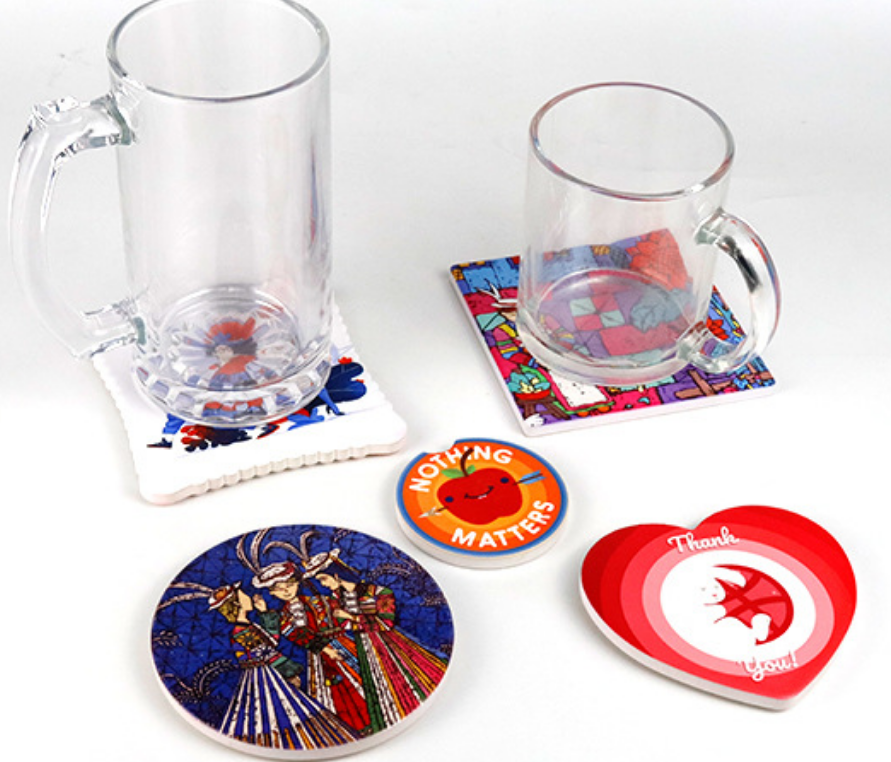
You press a batch of ceramic coasters, but they come out faded and blurry. You’ve wasted expensive blanks, ink, and time, and your confidence is shot.
This fear of inconsistent results stops you from taking on large orders. You worry about angry customers and the damage to your brand's reputation with every single press.
The key to vibrant, fade-free ceramic coasters is a specific combination of heat and time. A reliable starting point is pressing at 220°C (430°F) for 6 minutes with the coaster placed upside down on the design. This ensures deep, even heat penetration for a perfect transfer.
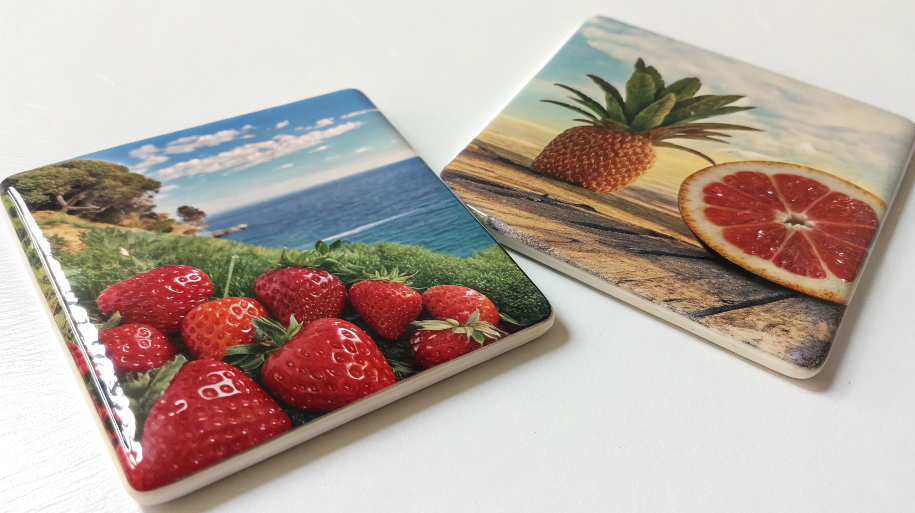
I remember the first time I tried to sublimate ceramic coasters. I was so excited. But my first batch was a disaster. Some were faded in the middle, others were blurry around the edges. I almost gave up on them entirely. It wasn't until I learned a specific technique from an old factory mentor that everything clicked. He taught me to flip the process on its head—literally. These settings might sound different from what you've seen online, but there's a good reason. Let's break down the method that will give you consistent, professional results every time.
What temperature and time for sublimation ceramic coasters?
You find dozens of different time and temperature settings online. You're completely confused about which advice to follow, leading to frustrating trial-and-error with your expensive blanks.
This inconsistency kills your workflow and your profits. You can't establish a reliable process, making it impossible to produce a large order with confidence and consistent quality.
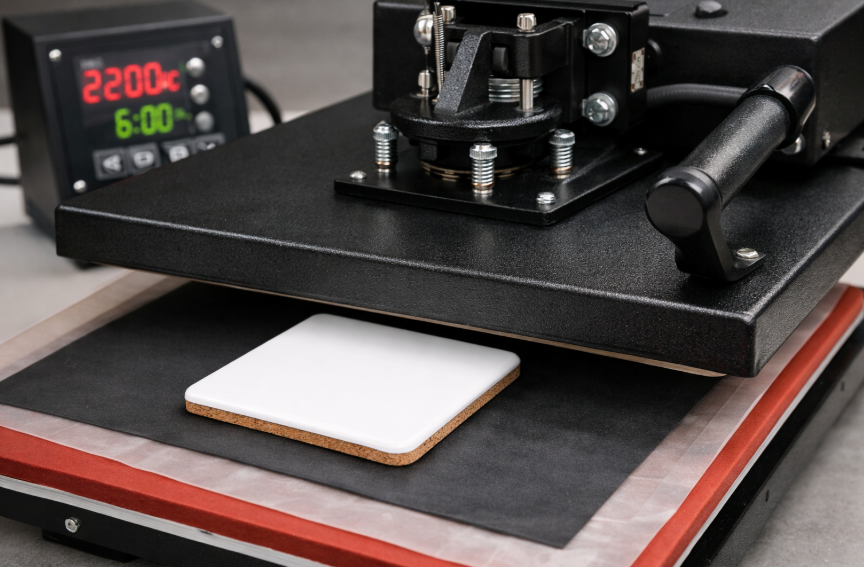
For most ceramic coasters using a traditional heat press, a great starting point is 220°C (430°F) for 360 seconds (6 minutes). Place the coaster face down on the printed transfer and use medium pressure. This method ensures deep, even heating for a vibrant, permanent transfer.
Dive Deeper: The Logic of the "Upside-Down" Method
Why such a high temperature and long time? And why upside down? It seems counterintuitive, but it's all about fighting the coaster's natural tendency to act as a heat sink. Ceramic is dense and absorbs a lot of heat. If you press it from the top (face-up), the heat press platen has to force heat through the coaster's body to the sublimation coating below. This can be uneven.
The "upside-down" method I learned is much more effective. By placing the coaster on its back, the heat platen directly heats the entire coaster body evenly. The heat travels through the ceramic and activates the sublimation ink from underneath. This ensures the entire coated surface reaches the perfect temperature at the same time. It's a game-changer for getting full, edge-to-edge color without any faded spots in the middle. For a designer like Emma who needs professional, repeatable results, this technique eliminates a huge variable.
| Parameter | Recommended Setting | Why it Works |
|---|---|---|
| Temperature | 220°C (430°F) | Hot enough to fully gasify the ink for deep saturation into the ceramic coating. |
| Time | 360 Seconds (6 Minutes) | Allows the dense ceramic to fully heat through and for the complete ink transfer to occur. |
| Pressure | Medium | Ensures firm contact between the paper and coaster surface without risking cracks. |
| Placement | Face Down | Promotes even heat distribution through the back of the coaster for a consistent transfer. |
What temperature and time for Cricut ceramic coasters?
You bought Cricut-branded ceramic coasters and want to use them with your Cricut press. You're worried that general settings won't work and you'll ruin your specific blanks.
This fear can make you hesitant to use your equipment. If you can't get official guidance to work, you might assume the product is faulty or that you're doing something wrong.
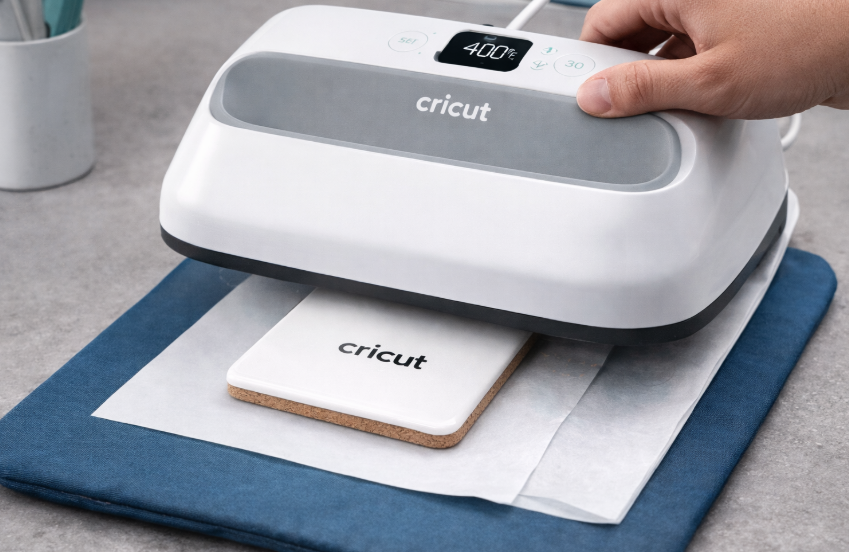
Cricut recommends a different setting for their coasters: 205°C (400°F) for 240 seconds. This is because their blanks and heat presses (like the Autopress or EasyPress) are designed to work together as a system, often using slightly lower times and temperatures.
Dive Deeper: The "Ecosystem" Approach vs. Universal Principles
Why is Cricut's recommendation different from the general one? It's all about the ecosystem. Cricut designs its blanks, inks, and presses to work optimally with each other. Their settings are calibrated for that specific combination. The Cricut Autopress and EasyPress also apply heat differently than a traditional heavy-duty clamshell press. They are designed for simplicity and safety, often using slightly less aggressive heat.
For someone like Emma using Cricut materials, my advice is always to start with the manufacturer's official recommendation. Cricut has done extensive testing on its own products. Think of their guide as your primary recipe. However, if you find the results aren't as vibrant as you'd like, you can then apply the universal principles of sublimation troubleshooting. If it's faded, you may need a little more time or a slight temperature increase. The key is to trust the manufacturer first, but know how to adjust if needed.
| Method | Temperature | Time | Best For |
|---|---|---|---|
| General Method | 220°C (430°F) | 360 Seconds | Generic blanks in a traditional clamshell/swing-away press. |
| Cricut's Guide | 205°C (400°F) | 240 Seconds | Cricut-brand coasters using a Cricut Autopress or EasyPress. |
How long to sublimate on ceramic?
You're working with different ceramic items—mugs, tiles, ornaments. You're confused if the time you use for a coaster will work for a thicker ceramic tile or a mug.
Using the wrong time setting for a different item will lead to failure. Too little time gives you a faded design, while too much time can cause the image to "blow out" or turn blurry.
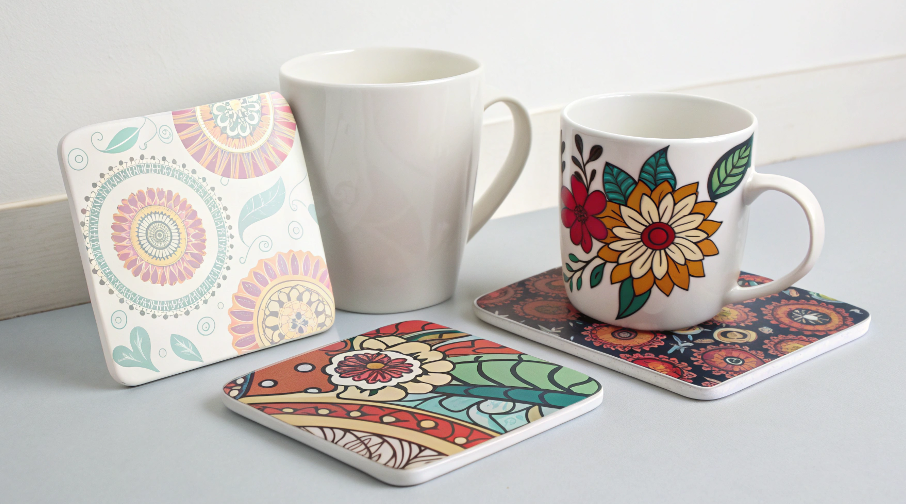
The sublimation time for ceramic varies greatly depending on the item's size and density. A small, thin coaster needs around 6 minutes, while a standard 11oz ceramic mug often requires only 3-4 minutes in a mug press because the heat is applied more directly.
Dive Deeper: It's All About Mass and Heat Transfer
The question "How long for ceramic?" is like asking "How long to cook food?" It completely depends on what you're cooking. A thin steak cooks faster than a thick roast. The same principle applies here. The key factors are the mass and shape of the ceramic item and the type of press being used.
- Coasters (Flat Press): As we've discussed, these are dense and absorb a lot of heat. Using the upside-down method, 6 minutes is a great baseline because the heat needs to saturate the entire object.
- Mugs (Mug Press): A mug press wraps a heating element directly and tightly around the sublimation surface. The heat transfer is much more efficient. You don't need to heat the entire mug, just the outer wall. This is why times are much shorter, typically in the 180-240 second (3-4 minute) range.
- Tiles (Flat Press): The time for a tile depends on its thickness. A standard 4x4 inch tile that's about a quarter-inch thick might need 5-7 minutes, similar to a coaster. A thicker 6x6 inch tile might need even longer.
My rule of thumb is this: the thicker and denser the ceramic item, the longer it needs to "soak" in the heat to allow the sublimation process to complete fully. Always start with the manufacturer's recommendation for a specific blank and then adjust slightly if needed.
What is the best temperature and time for sublimation?
You're a beginner trying to learn sublimation. You just want one "golden rule"—the one perfect temperature and time that works for everything, but you can't find it.
This search for a magic number is holding you back. You're spending more time searching for a perfect setting than you are practicing and learning from your own equipment and materials.
There is no single best temperature and time for all sublimation. The ideal settings depend entirely on the material of the blank (ceramic, fabric, metal), the quality of its coating, and the type of heat press you are using. Every item has its own "recipe."
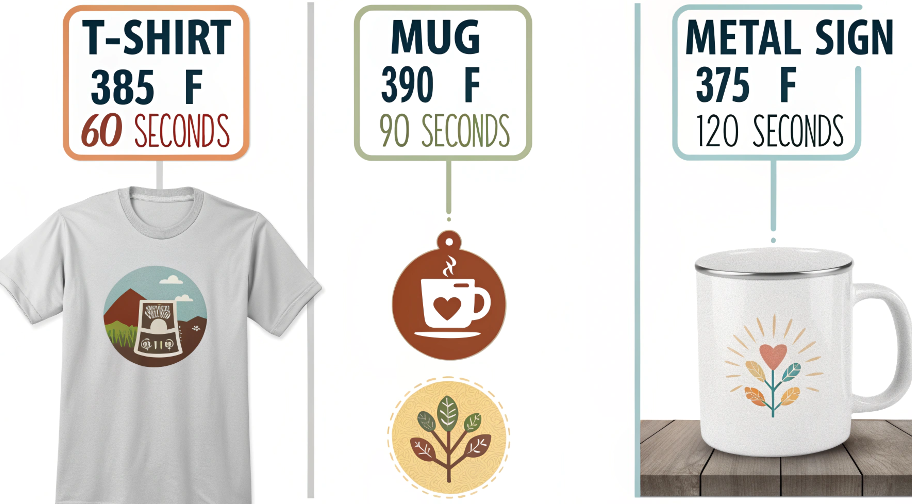
Dive Deeper: Embrace the Recipe Book, Not the Magic Bullet
When I first started, I dreamed of a single "set it and forget it" number for my heat press. I quickly learned that this idea is a myth. Thinking you can use one setting for everything is the fastest way to create a pile of wasted products. The best mindset for a sublimation professional like Emma is to think of yourself as a chef. You wouldn't cook a fish at the same temperature and time as a loaf of bread.
The "best" setting is a combination of three factors:
-
The Substrate (The Blank): Every material absorbs and conducts heat differently.
- Polyester Fabric (T-shirt): Heats quickly, needs less time. (e.g., 205°C / 400°F for 45-60 seconds).
- Ceramic (Mug/Coaster): Dense heat sink, needs more time. (e.g., 220°C / 430°F for 6 minutes).
- Metal (Aluminum Sign): Conducts heat very well, needs very little time. (e.g., 200°C / 390°F for 60-75 seconds).
-
The Equipment (Your Press): Not all heat presses are created equal. A high-quality press with thick platens holds heat more evenly than a cheaper one. You need to learn the quirks of your specific machine.
-
The Supplier (Your Blanks): Different manufacturers use slightly different polymer coatings, which may require minor adjustments to the "standard" settings.
The real best practice is to keep a logbook or a "recipe book" for every type of blank you use. Test each new product, record the successful settings, and you will build your own perfect guide.
Conclusion
Achieving perfect, fade-free ceramic coasters requires specific settings, like 220°C for 6 minutes. But true mastery comes from understanding why different products demand different "recipes" and keeping a precise log of what works for you.

Hi there! I'm Lucy, the guardian angel of two good children. During the day, I am a professional in the heat transfer printing industry, from factory workshops to running my own business. Here I share what I have learned - let's grow together!