Why Sublimation Prints Look Faded and How to Fix It
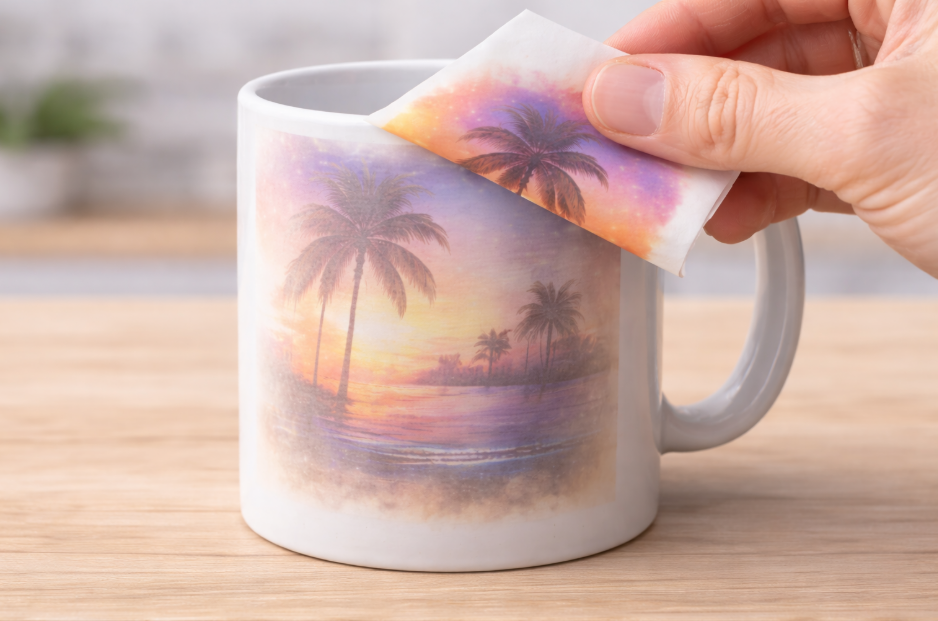
You spend hours creating a beautiful, colorful design. But after pressing, the result is a washed-out, faded shadow of what you designed. It's incredibly frustrating and costly.
This disappointment makes you question your equipment and your skills. Every faded print is wasted inventory, and you can't deliver the professional-quality products your clients expect.
Sublimation prints look faded due to incorrect settings—specifically, not enough heat, time, or pressure. Other causes include moisture, low-quality materials, or wrong printer settings. Fixing these core issues is the key to achieving the rich, vibrant colors that sublimation is famous for.
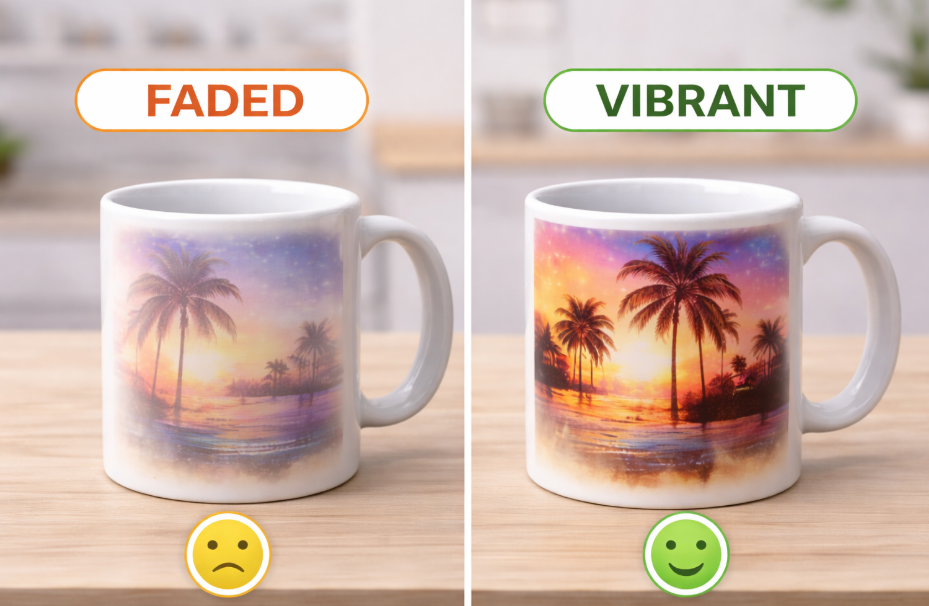
I will never forget the feeling of pulling my first dozen mugs from the press, only to see that every single one looked like it had been left in the sun for a year. The bright red I designed looked like a dull pink. I thought my printer was broken. I almost gave up right then. But I learned that sublimation is a science. Once you understand the rules of that science and learn to control the variables, you can achieve perfect results every time. Let's walk through those rules together so you can fix your faded prints for good.
Why are my sublimation prints looking faded?
Your design looks perfect on the computer screen. But when you press it onto the product, the colors are pale and weak, lacking any real punch.
This makes your products look cheap and unprofessional. You can't figure out what's going wrong, and you're getting tired of apologizing to clients or throwing away bad prints.
Your sublimation prints are likely faded because there isn't enough heat or time for the ink to fully transfer. The sublimation process needs a specific temperature and duration to turn the solid ink into a gas that bonds with the product. Insufficient settings stop this process short.
Dive Deeper: The Science of Under-Sublimation
When a print is faded, it's almost always a case of "under-sublimation." This means the conditions weren't right for the chemical reaction to complete itself. Think of it like baking a cake. If you pull it out of the oven too early, the inside is still a gooey mess. With sublimation, if you don't use enough heat or time, the ink doesn't have a chance to fully turn into a gas and saturate the polymer coating of your product.
Designers like Emma need predictable results, so let's diagnose this.
1. Temperature is Too Low:
Your heat press display might say 400°F, but is it accurate? An inexpensive infrared temperature gun is a great investment. Check different spots on your heating element. If your press is running cooler than it says, the ink will never get hot enough.
2. Time is Too Short:
Even at the right temperature, the heat needs time to penetrate the item. This is especially true for thicker items like ceramic mugs. Cutting the time short, even by 20 seconds, can result in a faded print because the core of the item never reached the target temperature.
3. Incorrect Pressure:
Pressure ensures perfect contact between the sublimation paper and the product's surface. If the pressure is too light, there will be tiny air gaps. The ink gas can't travel across these gaps effectively, resulting in a splotchy or universally faded appearance.
Why are my sublimation prints not vibrant?
Your colors are printing, but they just look dull. The deep black looks like charcoal gray, and the bright reds look like a muted orange.
This lack of vibrancy makes your work look second-rate. You know your designs are better than this, but the final product doesn't reflect the quality and creativity you put into it.
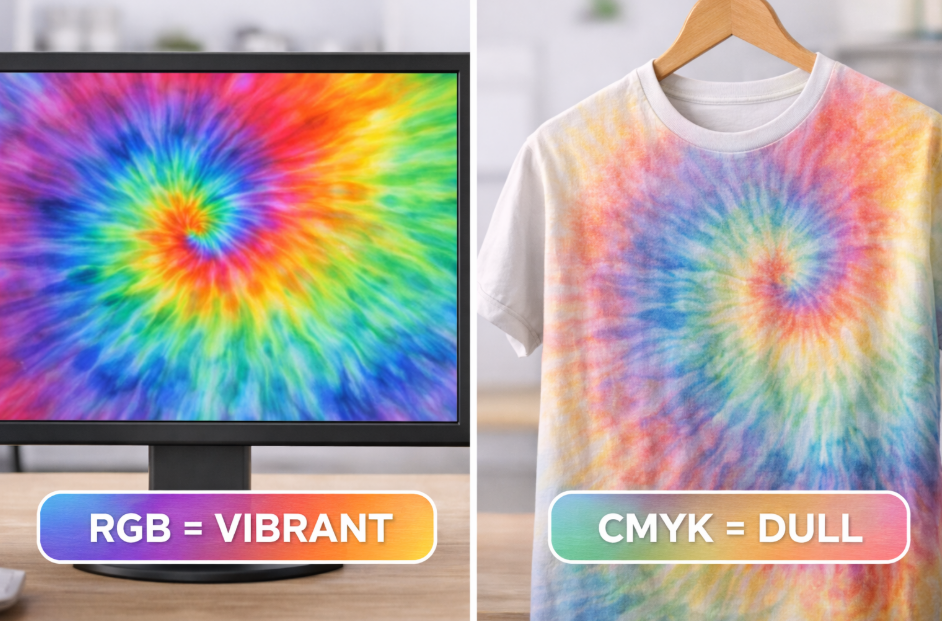
Sublimation prints lack vibrancy when the wrong color settings or paper are used. Using an RGB design file instead of CMYK, not using an ICC profile, or choosing low-quality paper will all result in muted, inaccurate colors that don't pop.
Dive Deeper: It Starts Before the Press
If your prints are fully transferred but the colors are just plain wrong, the problem isn't your press—it's your workflow. I learned this the hard way when I couldn't get a client's navy blue logo to stop printing purple. The problem was entirely in my digital setup.
1. The Role of the ICC Profile:
An ICC profile is a small data file that corrects the colors between your screen, your printer, and your ink. Your screen shows colors in RGB (light), but your printer prints in CMYK (ink). An ICC profile acts as a translator. Without it, the printer is just guessing what your screen's RGB colors should look like in CMYK ink. Using the specific profile provided by your ink or paper manufacturer is the single most important step for color accuracy.
2. Printer Settings Matter:
You can't just hit "print" from any program. You must print from design software that lets you manage color, like Adobe Photoshop or Affinity Photo. Inside the print dialog box, you need to select the correct sublimation paper type (like "Premium Matte") and ensure your software is controlling the color using the ICC profile, not the printer.
Here's a simple checklist I use:
- Am I using the correct ICC profile for my ink/paper combo?
- Is my design software set to manage colors using that profile?
- In the printer driver, have I turned off the printer's own color management?
- Am I using high-quality sublimation paper that releases ink well?
How can I prevent my sublimation prints from fading over time?
You deliver a beautiful, vibrant mug to your customer. A few months later, they send you a picture showing the design has faded after being washed.
This is a nightmare for any business. It damages your brand's reputation for quality and can lead to unhappy customers, refunds, and negative reviews.
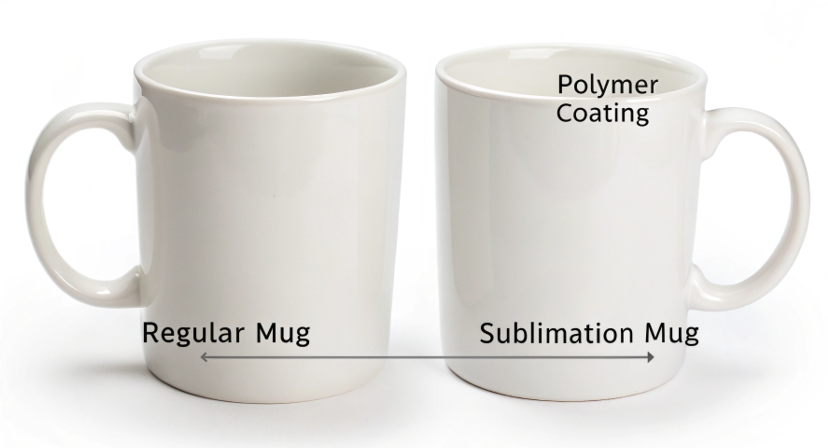
To make sublimation prints permanent and prevent fading, you must use high-quality, sublimation-ready blanks. The durability comes from a thick, evenly applied polymer coating. Using cheap, poorly coated products is the primary reason that a design will fade in the wash or from UV exposure.
Dive Deeper: The Quality is in the Coating
A true sublimation print, done correctly on the right blank, is permanent. The ink becomes part of the product. It can't wash away. So if a print is fading over time, it's almost always due to one thing: a failure of the blank's coating.
When I started my business, I tried to save money by buying the cheapest mugs I could find. It was a disaster. The prints looked okay at first, but customers complained they faded quickly. I realized that the coating is everything. For a product designer like Emma, sourcing the right blanks is as important as the design itself.
What Defines a "Quality" Blank?
- Coating Thickness & Uniformity: A good blank has a thick, perfectly even layer of polymer coating. Cheap blanks often have thin or uneven coatings. The ink can only bond where the coating is present. Thin spots will fade first.
- Hardness of the Coating: High-quality coatings are "harder" and more resistant to scratches and the high heat of a dishwasher. Softer coatings can break down over time, releasing the trapped ink.
- UV Protection: Some premium sublimation coatings include UV inhibitors that help prevent colors from fading due to sunlight exposure. This is critical for items that might be used outdoors.
My advice is simple. Find a reputable supplier that specializes in sublimation blanks and stick with them. Paying an extra 25 cents per mug for a premium blank is the best insurance you can buy for your brand's reputation.
How can I achieve the most vibrant colors in my sublimation prints?
You've fixed the basic issues, but you want your colors to be richer and more impactful. You want your prints to look as good as the top brands.
This desire to level up can be frustrating if you don't know the pro tricks. You see competitors with incredibly deep blacks and brilliant colors and wonder what their secret is.
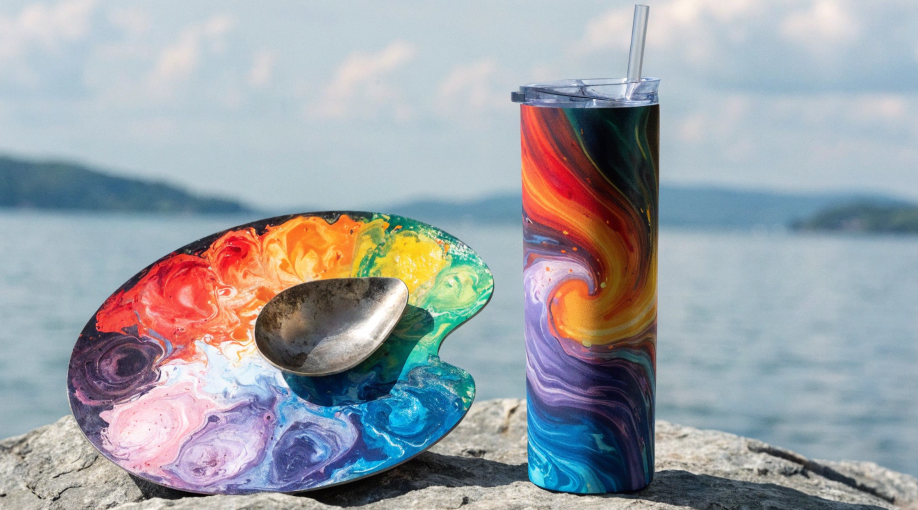
To achieve the most vibrant colors, you need to optimize everything. Use a high-quality printer, premium sublimation ink and paper, a correct ICC profile, and slightly increase your press time. Pushing the time 5-10% longer ensures maximum ink release and saturation.
Dive Deeper: Pushing for Maximum Saturation
Getting from "good" to "amazing" is about fine-tuning. Once you have a solid foundation with quality materials and correct profiles, you can start experimenting to maximize color depth. The goal is to get as much ink as possible to transfer from the paper to the product without "overcooking" it.
Here’s the process I follow to get the richest possible colors:
- Start with Quality: This is non-negotiable. Use recognized brands for your ink and paper. They have better manufacturing consistency and release more ink.
- Calibrate Your Time: Once you have a good print with your standard settings, try creating a "test strip" with several small, identical designs. Press it, but this time, add 10 seconds to your normal press time.
- Analyze the Results: Compare the new print to your standard one. Are the blacks deeper? Are the colors richer? If yes, you've found a better setting.
- Push It a Little More: Try adding another 10 seconds. At some point, you'll hit a wall where the colors start to look burnt or blurry. This is "overcooking." Once you find that limit, back off by 10-15 seconds. That shorter time is your new "sweet spot" for maximum vibrancy.
This fine-tuning process is what separates hobbyists from professionals. It ensures you are getting 100% of the possible color from your system.
Conclusion
Faded sublimation prints are solvable. By controlling your time, temperature, and pressure, and using quality materials with the right color profiles, you can achieve consistently vibrant, professional, and lasting results.

Hi there! I'm Lucy, the guardian angel of two good children. During the day, I am a professional in the heat transfer printing industry, from factory workshops to running my own business. Here I share what I have learned - let's grow together!