Why Doesn't Your Sublimation Ink Transfer Properly?
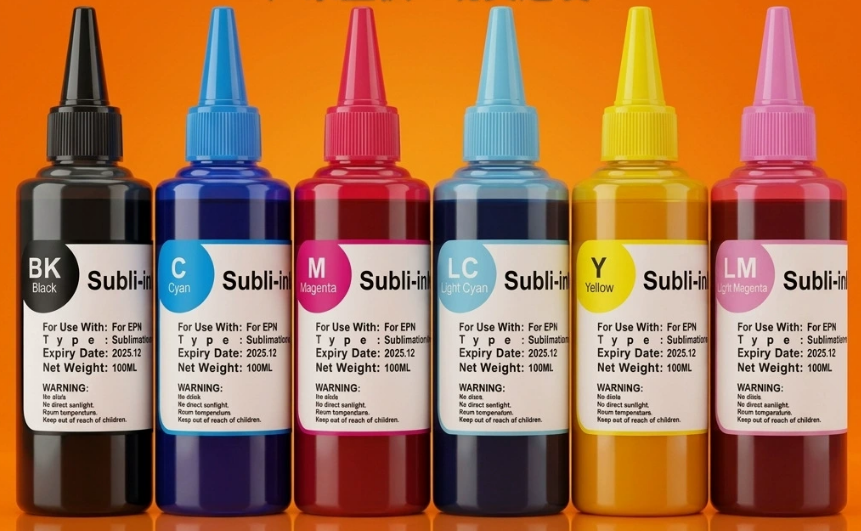
Your sublimation prints are coming out faded, blotchy, and incomplete. You're wasting expensive blanks and ink, and you can't figure out what's causing these frustrating, unprofessional results.
Your sublimation ink isn't transferring properly because of incorrect heat press settings, using materials that aren't sublimation-ready, or issues with your supplies. Temperature, pressure, time, and the right polymer coating are all essential for a perfect transfer.
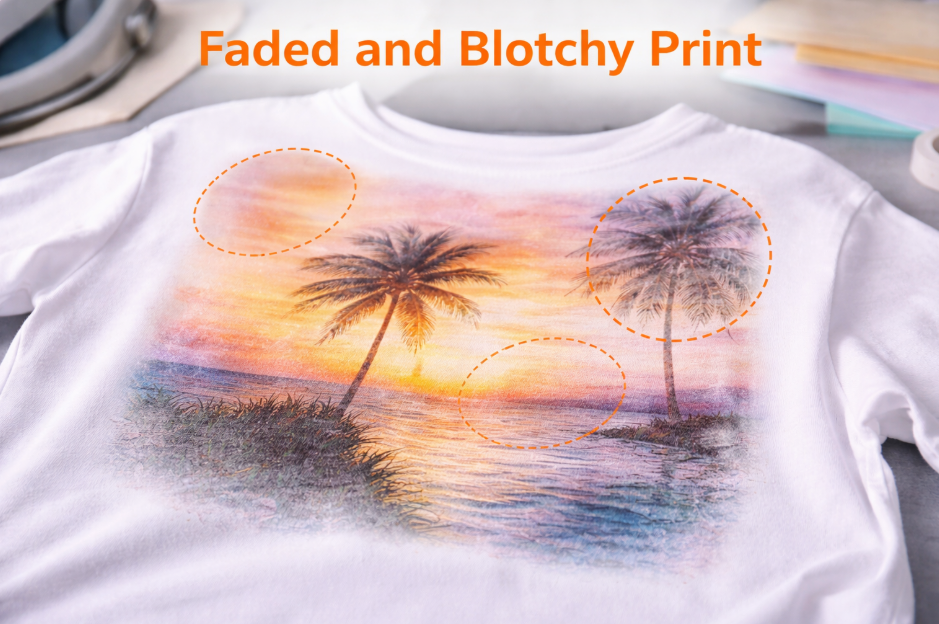
When I was starting out in my first factory job, I must have ruined a hundred t-shirts trying to figure this out. I remember the frustration so clearly. One print would be perfect, and the next would be a disaster. This is a challenge every product designer, like Emma, faces when she starts. Overcoming it is what separates the beginners from the professionals. The good news is that the solution is almost always simple once you know what to look for. It's not magic; it’s a science of heat, pressure, and the right materials.
Why Is Your Sublimation Not Fully Transferring?
You see faded spots or entire sections of your design that didn't transfer. You've wasted another blank, and you can't find the source of this inconsistent, irritating problem.
Incomplete sublimation transfer is almost always caused by uneven pressure or temperature from your heat press. Cold spots on your heat platen or using warped blanks prevent the ink from fully sublimating.
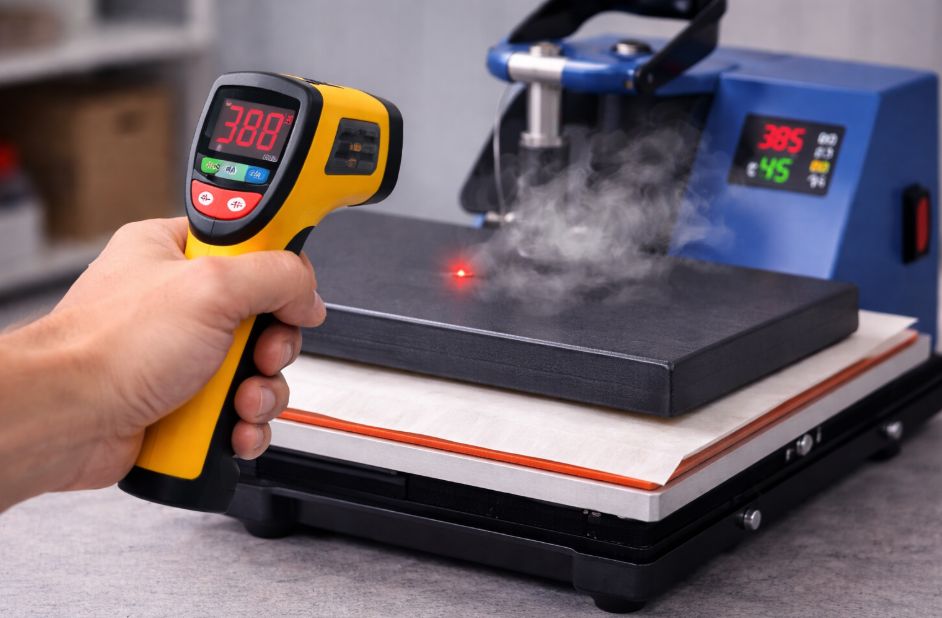
Sublimation relies on a perfect trio: time, temperature, and pressure. If any one of these is off, your transfer will fail. The most common culprit is unevenness. Your heat press might say it's at 400°F, but are all parts of the surface actually that hot? Cheaper presses often have "cold spots" that don't heat properly. You can check this with a simple infrared temperature gun. Similarly, pressure must be firm and even across the entire design. If you're pressing a mug that isn't perfectly cylindrical or a slate plaque that's slightly warped, there will be tiny gaps between the paper and the surface. In those gaps, the ink can't transfer, leaving you with faded or blank spots. Always use high-quality, perfectly flat blanks and ensure your press pressure is firm and consistent.
The Sublimation Trinity
- Temperature: Must be hot enough and even across the entire heating element. Too low, and the ink won't turn to gas.
- Pressure: Must be firm and consistent. Gaps between the paper and the blank mean no transfer can occur.
- Time: Must be long enough for the full transfer to happen. Too short, and the colors will be faded.
Can You Use Sublimation on Bella Canvas?
You love the quality and feel of Bella Canvas shirts, but your prints look dull. You're worried you can't use these popular shirts and will lose out to competitors.
You can sublimate on some Bella Canvas shirts, but only the ones with a high polyester count, like the "Heather" colors which are typically over 50% polyester. Sublimation will not work on their 100% cotton shirts.
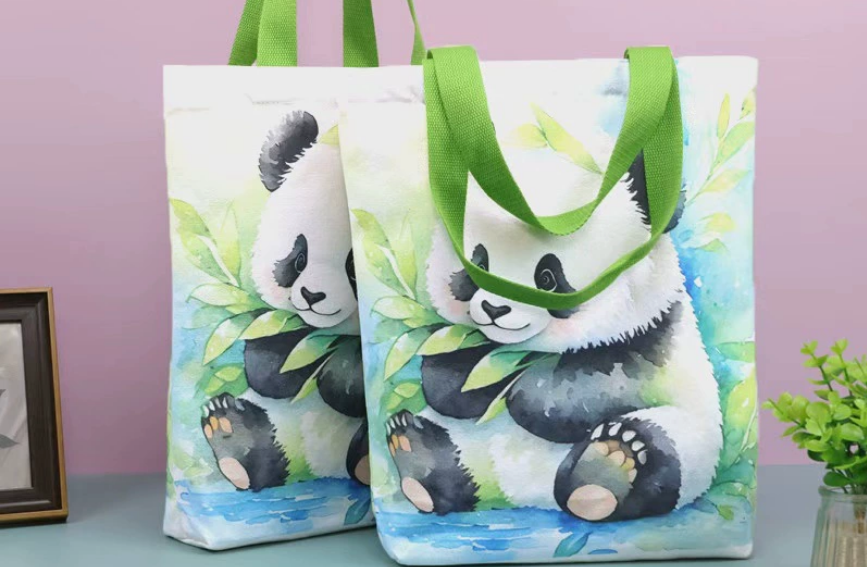
This is a critical lesson in sublimation science. The special ink only bonds with polyester fibers. It doesn't bond with cotton, rayon, or other natural materials. When you sublimate on a poly-cotton blend shirt, like many popular Bella Canvas styles, the ink will only transfer onto the polyester threads. This is why the result looks faded or "vintage." The more polyester in the blend, the brighter the final print will be. A 100% polyester shirt will give you the most vibrant, photo-quality result. A 50/50 blend will look intentionally faded. A 100% cotton shirt will result in a print that washes out almost completely. So, when choosing a shirt, always check the material tag. For the brightest colors, you must use 100% polyester. If your clients demand designs on 100% cotton, you need to use a different printing method, such as Direct-to-Film (DTF).
| Fabric Type | Sublimation Result | Best Use Case |
|---|---|---|
| 100% Polyester | Bright, vibrant, permanent print. | Performance apparel, photo gifts. |
| Poly-Cotton Blend (50%+) | Faded, "vintage" style print. | Fashionable, soft-feel apparel. |
| 100% Cotton | Ink washes out, does not bond. | Not suitable for sublimation. |
Are Dollar Tree Mugs Good for Sublimation?
You see a stack of cheap ceramic mugs at a dollar store and think you can save a lot of money. But after pressing, your beautiful design just wipes right off.
No, you cannot use standard mugs from the Dollar Tree for sublimation. They lack the special polymer coating that is required for the sublimation ink to permanently bond with the mug's surface.
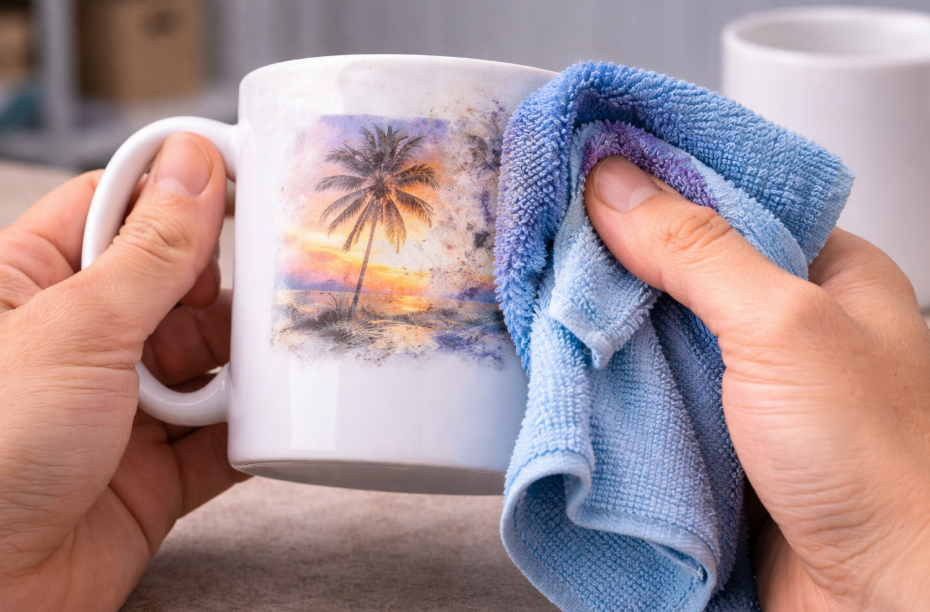
This is probably the most common and costly mistake I see beginners make. They think a mug is just a mug. But for sublimation, this is not true. A "sublimation blank" is a product that has been specifically manufactured with a special coating. This clear, polymer coating is what the sublimation ink fuses with under heat and pressure. A regular ceramic mug from a discount store has a simple glaze, not this special polymer layer. Without the coating, the sublimation ink has nothing to bond to. It will transfer onto the surface as a blurry, faint image and will simply wipe or wash off. Always buy your blanks from a reputable sublimation supplier. While they cost a bit more upfront, they are the only things that will actually work, saving you an enormous amount of time, money, and frustration in the long run.
What Are Common Sublimation Mistakes?
You feel like you're following the instructions, but your results are still inconsistent. You're frustrated by ghosting, blurring, and weird spots that ruin your otherwise perfect products.
The most common sublimation mistakes are forgetting to mirror your design, moisture causing blowouts, and allowing the transfer paper to shift during pressing, which creates ghosting. These are process errors, not equipment failures.
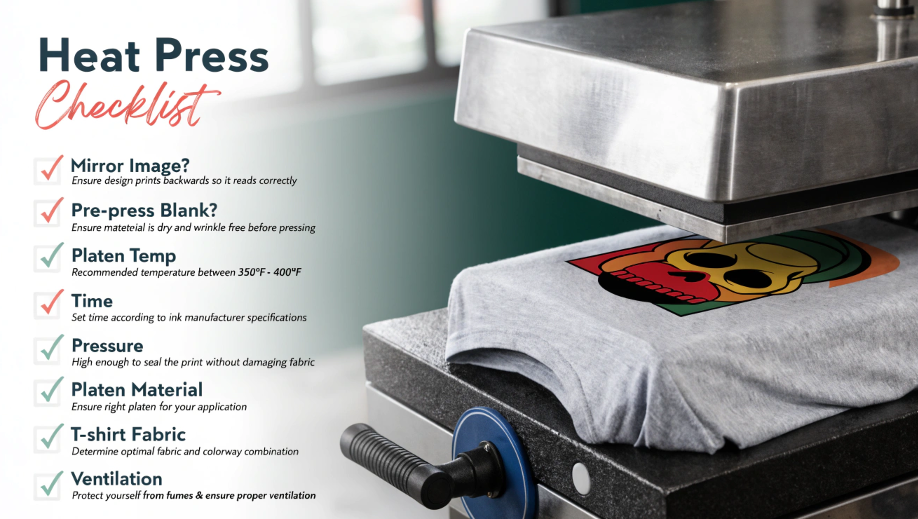
After mastering the basics of time, temp, pressure, and materials, success comes down to perfecting your process. I've seen these simple mistakes trip up even experienced designers. The most infamous is forgetting to mirror your image before printing, especially when there's text! Another huge one is moisture. Even humidity in the air can get trapped in the transfer paper or the blank. When heated, this moisture turns to steam and blows out, leaving blue speckles or faded spots. The fix is simple: always pre-press your garment or blank for 5-10 seconds to bake out any moisture. Finally, "ghosting" or double images happen when the transfer paper slides even a millimeter while you are opening the press. The hot surface can cause a second, faint transfer. To prevent this, always use high-temperature heat tape to secure your paper firmly to the blank.
| Mistake | What It Looks Like | How to Fix It |
|---|---|---|
| Forgetting to Mirror | Text and logos are backward on the final product. | Always check the "mirror image" box in your print driver settings. |
| Moisture Blowout | Blue speckles or blotchy, faded areas. | Pre-press the blank for 5-10 seconds before applying the transfer. |
| Ghosting/Blurring | A faint, secondary image or blurry edges. | Use heat-resistant tape to secure the transfer paper so it cannot shift. |
Conclusion
Perfect sublimation transfers come from controlling your process. Use quality materials and the right settings, pre-press for moisture, and tape down your design to achieve professional, repeatable results.

Hi there! I'm Lucy, the guardian angel of two good children. During the day, I am a professional in the heat transfer printing industry, from factory workshops to running my own business. Here I share what I have learned - let's grow together!